Reviews on


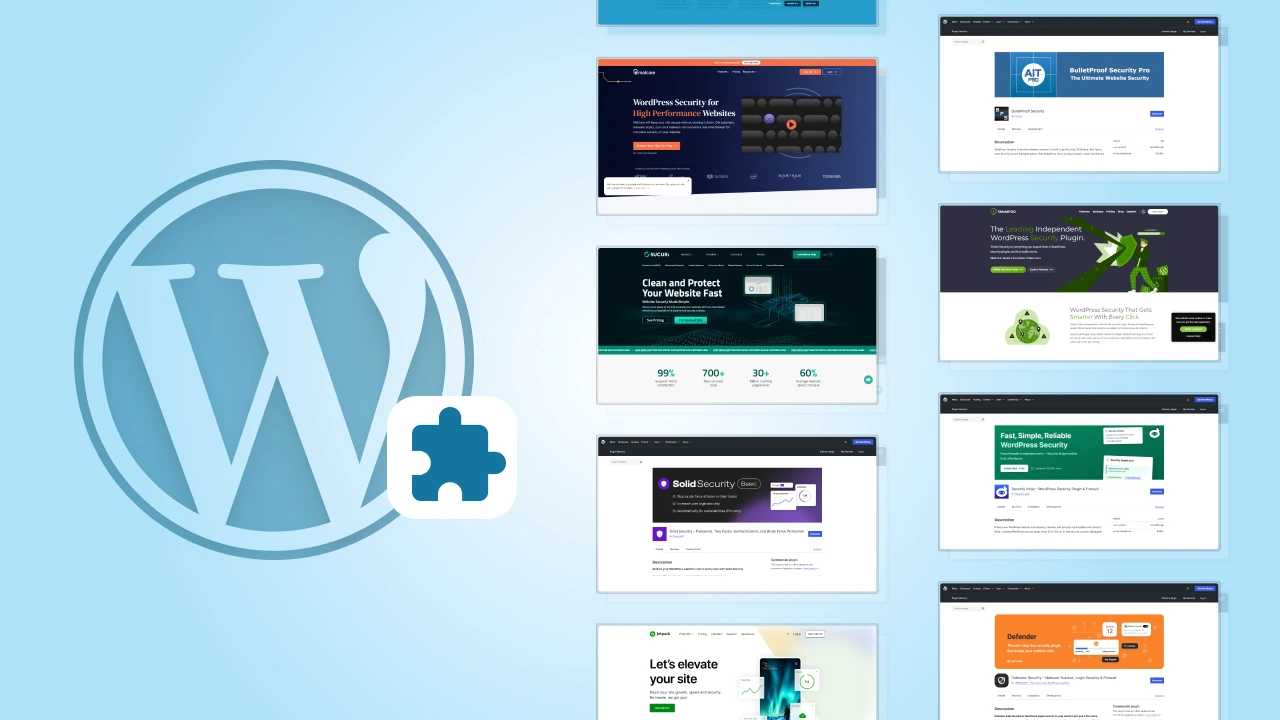
You can have a perfectly designed WordPress site, great content, and solid hosting but once malware finds its way in, everything can come crashing down faster than you’d think.
The truth is, malware doesn’t always announce itself. More often than not, it hides quietly in php files, theme folders, or even core WordPress files, waiting for the right moment to cause trouble.
That’s why having a reliable WordPress malware removal plugin isn’t just about cleanup, it’s about prevention, early detection, and peace of mind.
In this post, we’ll look at how malware typically creeps into your site, what features to look for in a good security plugin, and which tools can actually help you keep your WordPress installation clean and running smoothly.
- Malware often hides in core files, php files, or plugin folders, causing major issues in WordPress sites.
- A reliable anti-malware plugin helps detect and remove malicious code and infected files safely.
- Regular malware scanning and automatic updates prevent future malware threats and modified core files.
- Strong passwords and brute force protection add another layer of security to your WordPress installation.
- Premium security plugins offer better scan engines, background scanning, and updated malware definitions.
How Malware Sneaks into Your WordPress Site
Malware doesn’t just appear out of nowhere. It usually finds small gaps in your site that go unnoticed. Maybe a plugin wasn’t updated, a password was too simple, or a free theme came with hidden code. Sometimes, the problem starts on the server itself if your site shares space with others.
Here are some common ways malware slips in:
- Outdated plugins or themes – Old versions often have security bugs that hackers use to get in.
- Weak passwords – Simple passwords make it easy for attackers to break in through brute force.
- Infected plugin or theme files – Free or pirated downloads can carry hidden malicious code.
- Shared hosting issues – If one site on the same server is infected, others can get affected too.
- Unsafe uploads or permissions – Poor settings can allow unwanted scripts to sneak in.
You might not notice anything at first. Maybe your site runs slower, pages redirect somewhere strange, or you see unexpected error messages. Sometimes, you’ll find suspicious files or changes inside your core WordPress files.
If you spot anything unusual, it’s best to run a malware scan right away. It’s easier to fix the problem early than deal with a full-blown infection later.
The cmsMinds team can help you clean it up, secure it, and get everything running smoothly again.
What a Good WordPress Malware Removal Plugin Should Do
Not every security plugin works the same way. Some only detect issues, while others can clean infected files and help prevent future attacks. The right plugin should do more than just alert you. It should help fix the problem and make sure it doesn’t come back.
Here are a few things to look for when choosing a WordPress malware removal plugin:
- Full website scan: It should check everything, including plugin files, theme files, core WordPress files, database tables, and your htaccess file. A complete scan helps catch hidden or deeply buried malware.
- Automatic and background scanning: The plugin should be able to run scans automatically or in the background so you don’t have to remember to do it each time.
- Accurate results: A good malware scanner should find real threats without too many false positives. You don’t want to delete safe files by mistake.
- Easy cleanup: Once malware is found, the plugin should help remove it quickly or guide you through the cleanup process.
- Regular definition updates: Malware changes often, so the plugin should update its malware definitions regularly to catch the latest threats.
- Brute force protection and firewall options: These features add another layer of security by blocking repeated login attempts and harmful traffic.
- Compatibility with other plugins: It should work smoothly with other security plugins and not cause conflicts or slow down your site.
Your malware removal plugin should not only help fix an infected site but also protect it from new attacks. The best ones work quietly in the background so you can focus on managing your website without worrying about security all the time.
Top WordPress Malware Removal Plugins Worth Trying
There are plenty of security plugins out there, but only a few do a really good job when it comes to scanning and cleaning infected WordPress sites. Here are some trusted options you can rely on.
1. Wordfence Security
Wordfence is one of the most trusted WordPress security plugins and for good reason. It comes with a built-in malware scanner, a powerful firewall, and several tools that help protect your site from common threats.
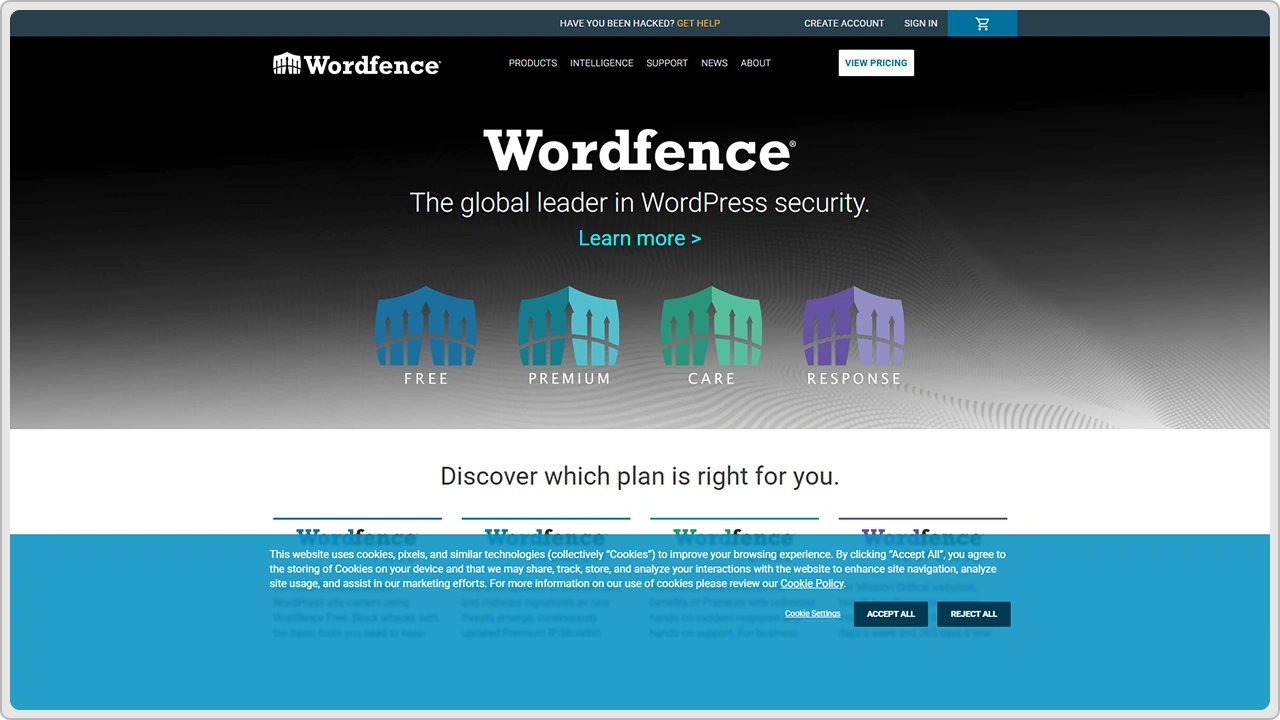
The malware scanner checks your core WordPress files, themes, and plugins for malicious code, injected scripts, or suspicious changes. The firewall blocks harmful traffic, brute force attacks, and any attempts to access your site without permission. You also get features like two-factor authentication and live traffic monitoring to see what’s happening on your site in real time.
The free version offers strong protection for most websites, while the premium plan adds faster malware definition updates, IP blocklists, and country blocking.
Just keep in mind that the plugin can use a bit more server resources during scans, especially on smaller or shared hosting plans. But overall, Wordfence is one of the most reliable and easy-to-use malware removal plugins you can install on your WordPress site.
2. MalCare Security
MalCare takes a slightly different approach compared to most security plugins. Instead of scanning your website directly on your server, it does the heavy work on its own servers. This means your site speed isn’t affected, even during a full malware scan.
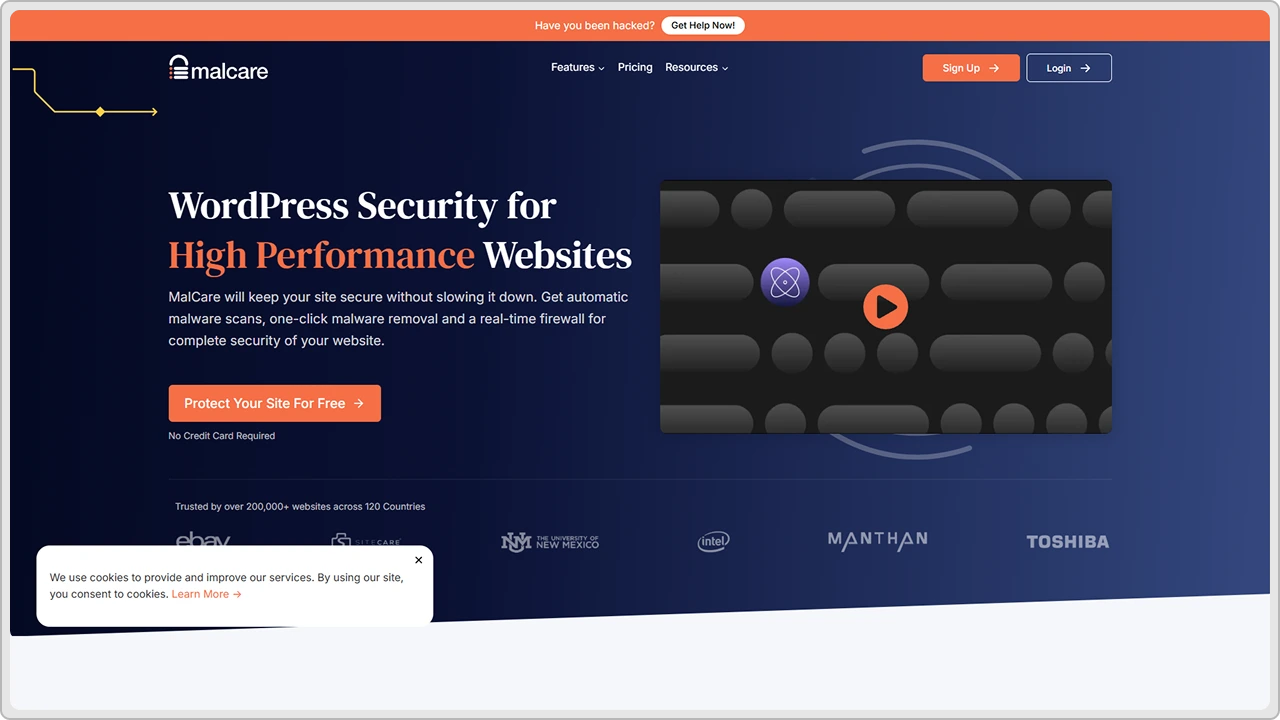
What makes MalCare stand out is how quick it is at detecting and cleaning infections. You don’t have to dig through files or worry about breaking your site during cleanup. With one click, it removes malware safely and restores your site’s normal performance.
The plugin also includes other helpful features like login protection, firewall settings, and backup options. You can schedule automatic scans and let it monitor your site in the background, which is great if you don’t have time to check manually.
It’s not the cheapest option if you go for the premium plan, but the convenience and accuracy often make it worth it, especially for websites that have faced repeated infections or are running on shared hosting.
If you prefer a hands-off tool that quietly keeps your site clean, MalCare is one of the best choices out there.
3. Sucuri Security
Sucuri is one of those plugins that works quietly in the background and just does its job. Once it’s set up, it keeps an eye on your WordPress site, scanning for malware, file changes, or any suspicious activity.
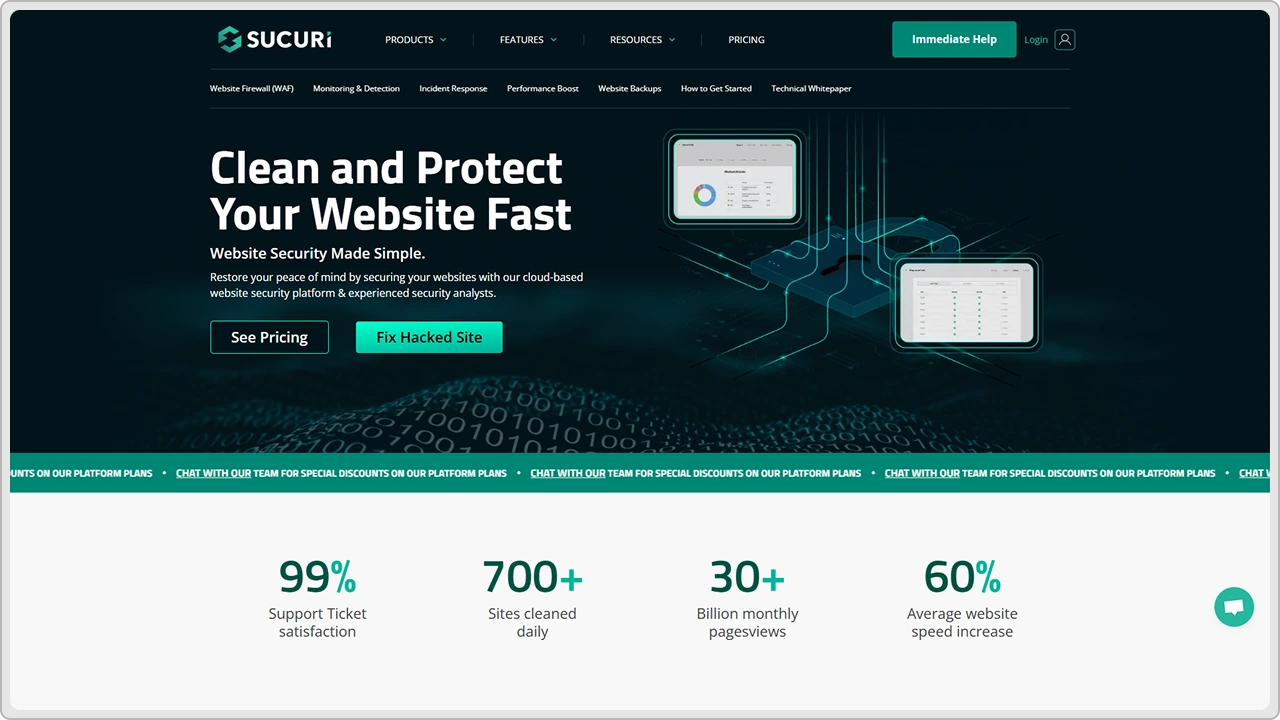
Unlike many plugins that only flag infected files, Sucuri digs deeper. It checks your core WordPress files, plugin files, and even your server environment for hidden or modified code. If it finds anything unusual, it gives you a clear report and simple steps to fix it.
The firewall is where Sucuri really shines. It filters traffic before it reaches your website, blocking brute force attempts, spam bots, and other common attacks. This helps keep your site safe while also reducing the load on your hosting.
The free version handles basic scanning and monitoring quite well, while the premium plan adds stronger protection, faster response, and expert cleanup help if your site ever gets infected.
If you’re looking for a tool that quietly protects your website without slowing it down, Sucuri is a solid choice.
4. iThemes Security
iThemes Security takes a more preventive approach than most malware removal tools. Instead of just cleaning infected files, it focuses on keeping attackers out in the first place. It strengthens your WordPress site from different angles, making it harder for anyone to break in.
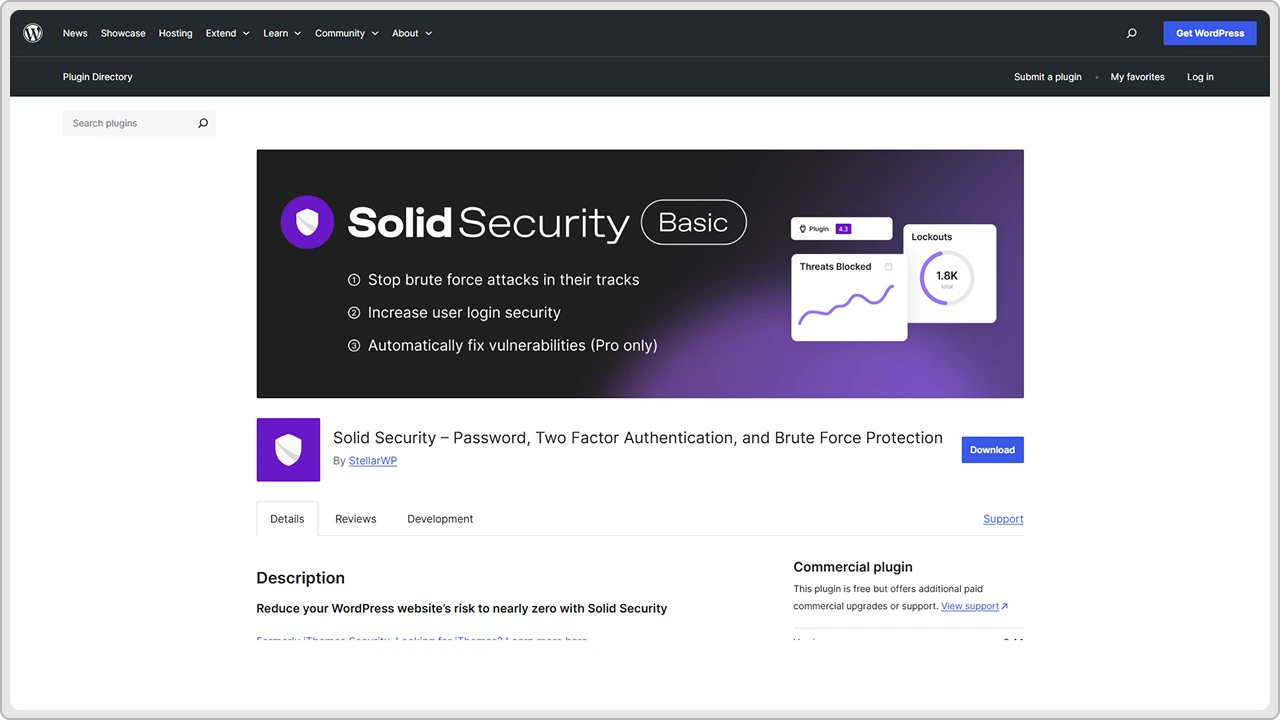
It includes malware scanning, but that’s just one part of what it does. The plugin monitors file changes, locks out users after too many failed login attempts, and forces strong passwords for all accounts. It can also hide important WordPress details like the login URL, which makes automated attacks less likely.
You get plenty of control over how strict or flexible you want your security settings to be. The dashboard is clean and easy to use, even if you’re not very technical.
While it doesn’t remove malware automatically, it alerts you quickly if something seems off and gives clear instructions to handle it. The premium version adds advanced features like two-factor authentication and scheduled malware scans.
If you’re someone who wants to focus on prevention and overall security hardening rather than just cleanup, iThemes Security is a good option to have on your site.
5. Jetpack
Jetpack is more than just a security plugin. It’s a complete toolkit that covers backups, performance, spam protection, and malware scanning in one place. For many site owners, it’s an all-in-one solution that keeps things simple without having to install multiple plugins.
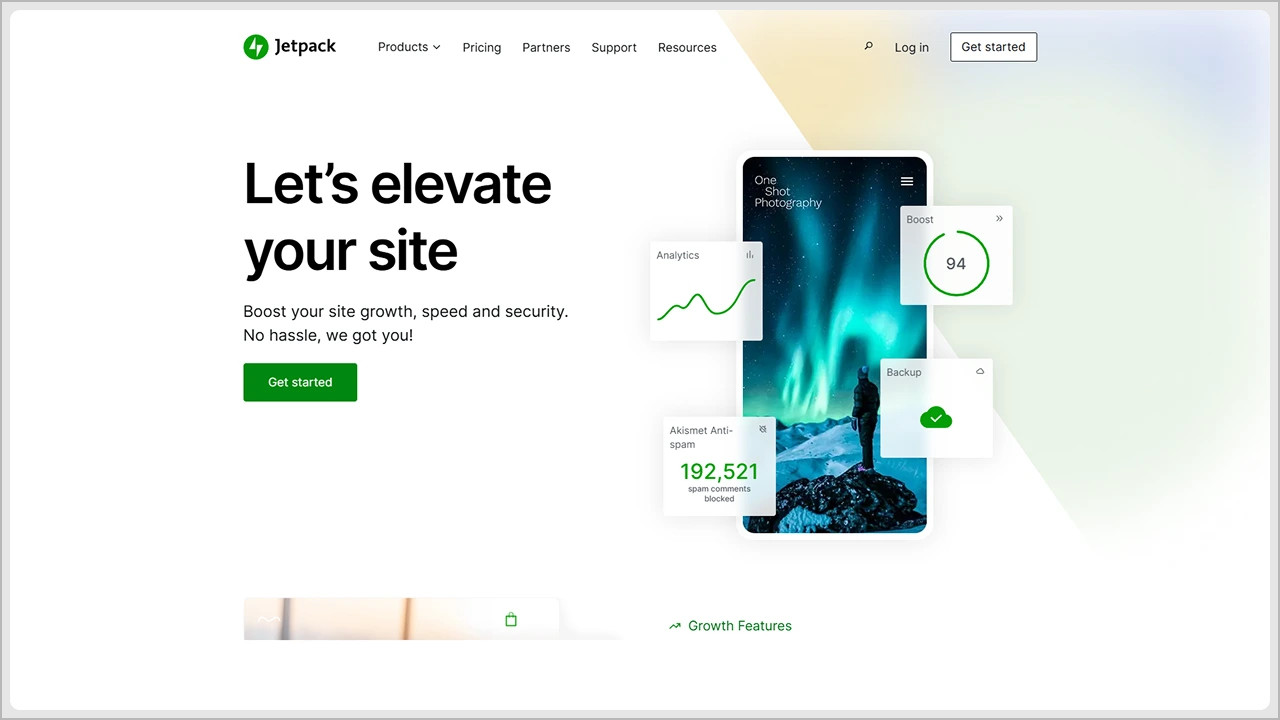
The security features in Jetpack include automated malware scanning, brute force protection, and real-time backups. It keeps an eye on your WordPress core files, plugin files, and theme files for any suspicious changes. If it detects malware or modified files, it alerts you and helps you restore a clean version right away.
What makes Jetpack convenient is how it ties everything together. You can manage your backups, security scans, and even performance tools from a single dashboard. It also updates its malware definitions automatically, so your site stays protected against the latest threats without you having to do much.
While most of its advanced security tools are part of the paid plans, the reliability and ease of use make Jetpack a strong option for anyone who wants a simple, managed way to keep their site safe.
6. BulletProof Security
BulletProof Security focuses on protecting your WordPress site from the inside out. It’s not the flashiest plugin, but it’s known for its solid protection and hands-on control.
It uses your site’s .htaccess file to build a strong firewall that blocks malicious requests, code injections, and suspicious activities before they cause harm. The plugin also includes login security, database backups, and file monitoring to catch any unusual changes early.
The malware scanner checks your WordPress core files, plugin files, and theme files for hidden threats, and the setup wizard makes it fairly easy to configure, even if you’re not a tech expert.
Some users might find the interface a bit old-school, but once you get used to it, BulletProof Security does its job well. It’s a dependable choice if you prefer something that gives you control over your site’s security settings rather than running everything automatically.
7. Shield Security
Shield Security is a great pick if you want protection that runs quietly in the background without slowing your site down. It’s super great for prevention, keeping threats away before they reach your core files or plugins.
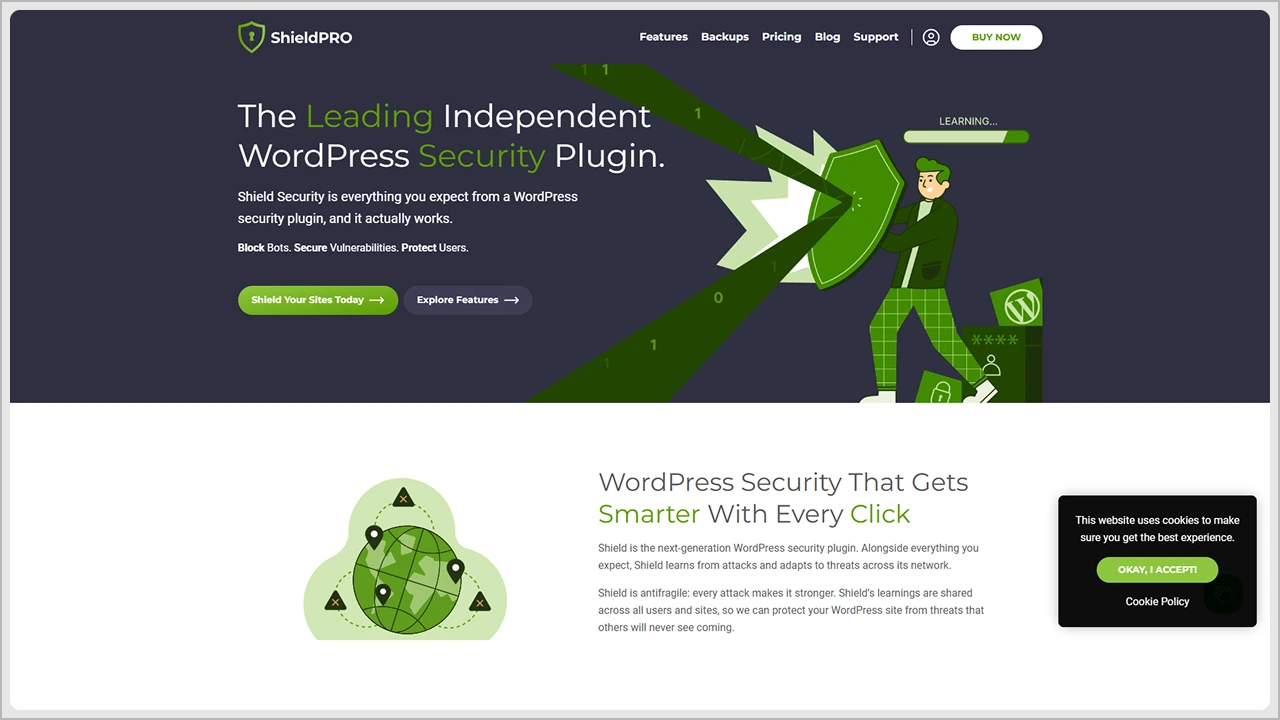
The plugin offers brute force protection, two-factor authentication, and automatic file scanning that checks for suspicious code or modified files. It also does a good job of blocking bots and fake crawlers that often flood your site with unwanted traffic.
One thing users like about Shield Security is that it doesn’t overwhelm you with alerts or complicated settings. Most of its security rules are smartly automated, but you can still fine-tune them if you prefer more control.
The free version covers most of the basics, while the premium upgrade adds features like advanced firewall settings and more frequent malware definition updates.
If you’re looking for a lightweight security plugin that balances automation and control, Shield Security is definitely worth trying.
8. Security Ninja
Security Ninja is more like a full security check-up for your WordPress site. Instead of just scanning for malware, it runs a wide range of tests to spot weak points before hackers can use them.
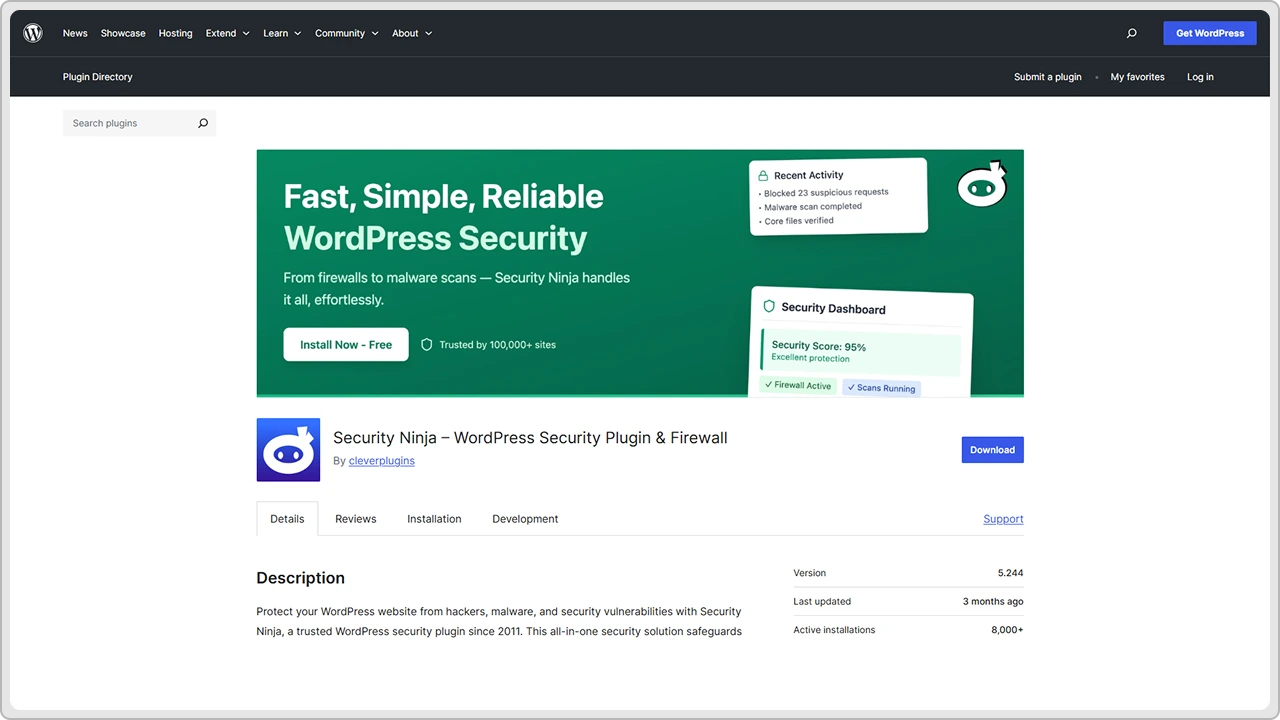
The plugin performs over 50 security tests to check your core files, plugins, and themes for vulnerabilities. It also reviews your site’s settings, login strength, and overall configuration to make sure everything is secure.
They offer a free version and it works pretty well for basic site audits and quick scans. The premium version goes further with features like a firewall, brute force protection, malware scanning, and automatic fixes for common security issues.
While it might take a bit of setup to go through all the available tests, the insights it provides are worth it. Security Ninja is a great option for users who want to understand their site’s weak spots and strengthen them before any real problems occur.
9. Defender Security
Defender Security keeps things simple for people who just want solid protection without digging into complicated settings. Once you install it, the plugin walks you through a quick setup and starts running basic scans right away.
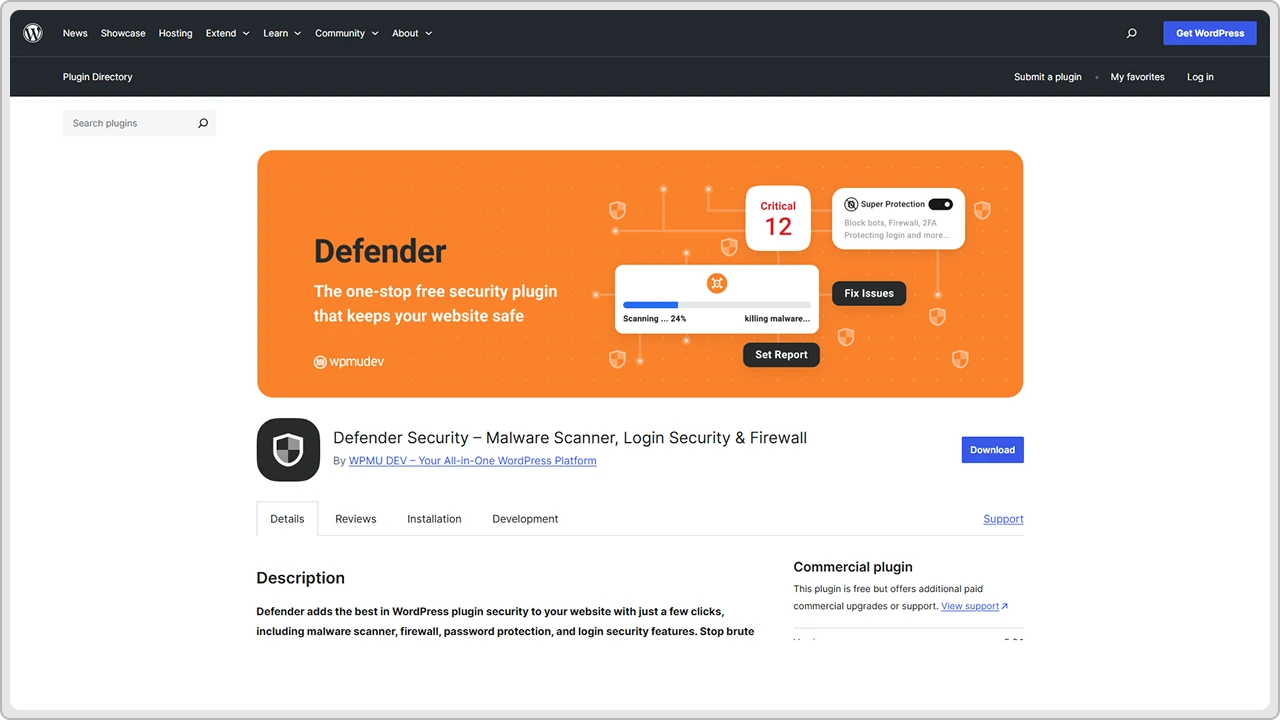
It checks your core WordPress files, plugin files, and theme files for suspicious changes and helps you fix them with a single click. You also get firewall protection, brute force login security, and automatic malware scans that you can schedule based on your needs.
What stands out about Defender is how beginner-friendly it feels. The dashboard is clean, and it explains what each feature does in plain language. You don’t need to be a developer or a WordPress plugin development company to understand what’s happening or what actions to take.
The free version covers most essentials, while the premium one adds extra layers like advanced scanning, automatic cleanup, and detailed activity logs. If you want something that keeps your site secure without adding technical stress, Defender is a solid pick.
10. All-in-One WP Security & Firewall
All-in-One WP Security & Firewall (often called AIOS) is one of those plugins that quietly does a lot without needing much from you. It covers nearly every part of WordPress security, from malware scanning and firewall rules to login protection and file monitoring.
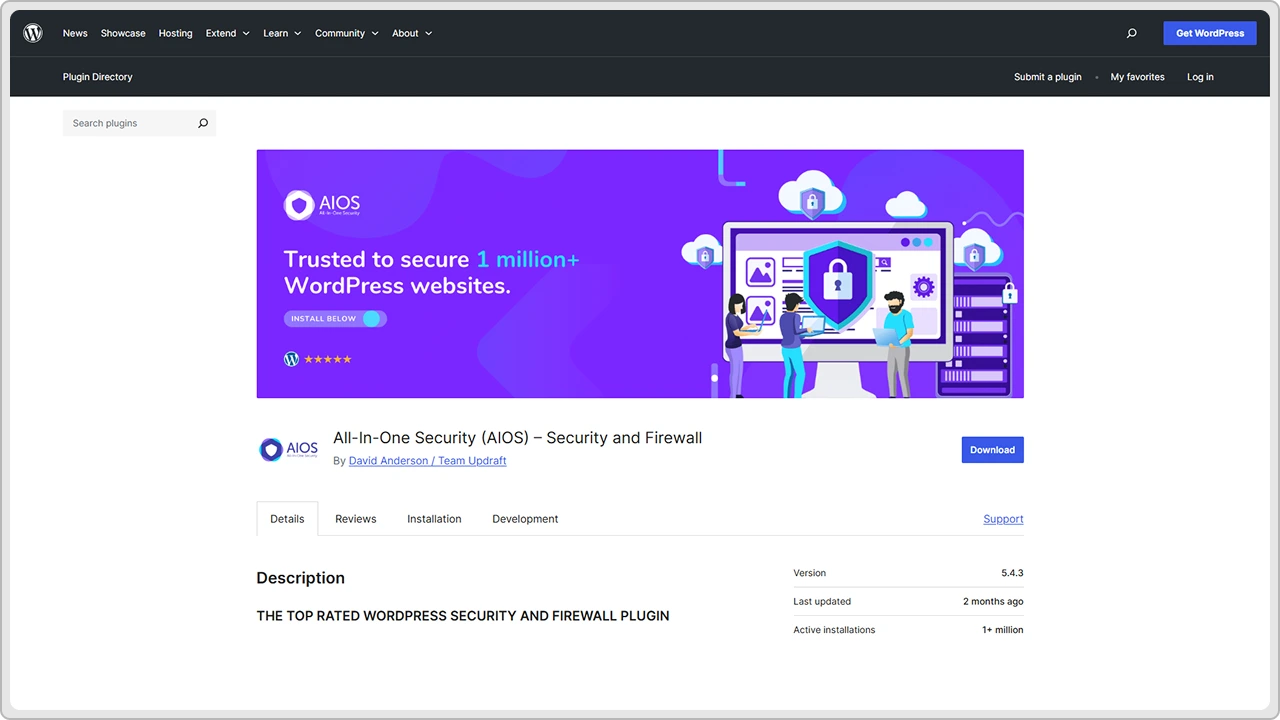
Once activated, it grades your site’s overall security level and gives clear steps to improve it. You can tighten login settings, monitor file changes, protect database tables, and block suspicious IPs. The built-in firewall helps prevent code injections and brute force attacks before they reach your site.
What makes this plugin especially useful is its flexibility. You can start with basic settings and turn on more advanced features as you get comfortable. Even if you’re not tech-savvy, the interface makes it easy to understand what each option does and why it matters.
AIOS is free and powerful enough for most websites, though there’s also a premium version with extra firewall options and priority support. It’s a great all-round choice if you want reliable protection without needing to install multiple plugins.
How to Use These Plugins the Right Way
Installing a malware removal plugin is only the first step. The real protection comes from using it correctly and keeping your site maintained over time. A few simple habits can make a big difference.
Start by running regular scans. Don’t wait until your site starts acting strange. Most plugins let you schedule automatic scans, so set them up to run weekly or even daily if your site handles a lot of traffic or user data.
Always review the scan results carefully. If the plugin flags suspicious or modified files, check them before deleting anything. Sometimes safe files are marked by mistake, especially if you’ve recently updated a theme or plugin.
Keep everything up to date. Old versions of plugins, themes, or even WordPress core files can become easy targets for attackers. Updates often include security fixes that close these gaps.
Use strong passwords and change them occasionally. Simple passwords are one of the most common ways hackers get in. Adding two-factor authentication makes it even harder for anyone to access your admin panel.
Lastly, avoid installing too many security plugins at once. They can overlap or conflict with each other and cause performance issues. Pick one that fits your needs and stick with it.
Conclusion
Keeping your WordPress site safe doesn’t have to be complicated. Most of the time, it’s about staying alert and using the right tools. Malware can sneak in through a small plugin update you skipped or a weak password you forgot to change. That’s why regular scans and a trusted malware removal plugin make such a big difference.
Whether you use Wordfence, MalCare, Sucuri, iThemes Security, or Jetpack, what matters most is consistency. Run your scans, update your plugins and themes, and don’t ignore small warning signs like redirects or random error messages.
Think of security as routine maintenance, just like updating your content or checking your site’s speed. A few minutes of attention now can save you a lot of time and stress later.
With the right plugin and a few smart habits, you can keep your WordPress site clean, secure, and running exactly as it should.
Reach out to cmsMinds and let our WordPress experts handle the cleanup and protection for you.