Reviews on


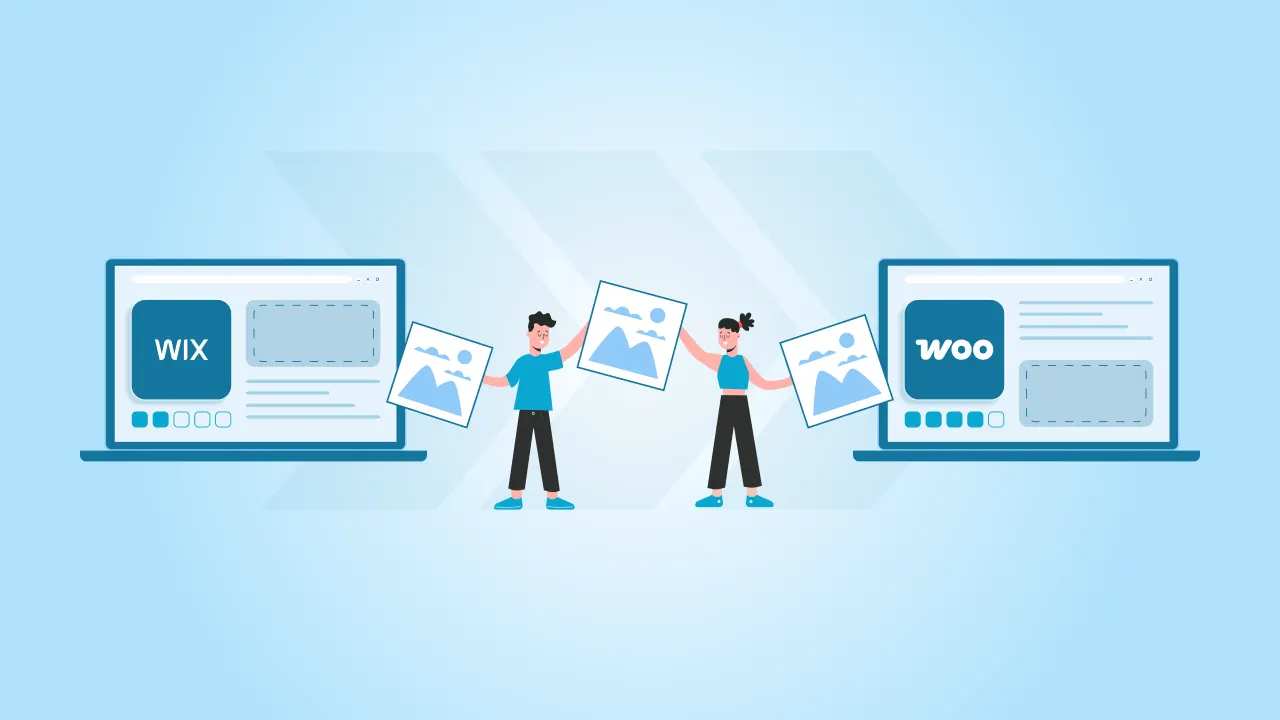
Wix is a great eCommerce platform when you’re starting out. It’s easy to set up, simple to manage, and decent enough for small to mid-size online stores. But as your business grows, those very advantages of the Wix platform can start feel limiting for you. Custom features may become a little hard to build, integrations feel restrictive, and scaling your store takes more work than it should.
That’s usually when stores start migrating to WooCommerce. As it is built on WordPress, WooCommerce gives you more control over every aspect of your online store, like design, functionality, features, and scalability.
In this guide, we’ll walk you through the Wix to WooCommerce migration process. You’ll get a clear picture of what and how it needs to be done with no data loss and zero to minimum disruption to your online store.
- Wix is easy and simple to start with, but it can feel limiting as your eCommerce store grows and needs more flexibility.
- A Wix to WooCommerce migration gives you better control, including options like free drop. migration when planned correctly.
- Proper preparation helps migrate images, products, and customer data without losing important store information.
- Using a reliable migration tool or plugin can reduce manual effort and help move data more accurately.
- After migrating, fixing issues, and optimizing the store ensures WooCommerce is ready for real traffic and growth.
Understanding the Basics of Wix and WooCommerce
Although both Wix and WooCommerce are eCommerce platforms, not only do they work differently, but they are also targeted at different customers.
What is Wix?
First of all, Wix is an all-in-one platform. I mean, you don’t have to buy hosting separately. That’s why it works well for small stores that need a quick and easy setup with no (Almost zero) technical effort. Everything is managed within the platform (Also the reason for limited flexibility).
What is WooCommerce?
On the other hand, WooCommerce is an open-source eCommerce plugin built on WordPress. It gives you 100% control over your website, right from design, features, and functionality to hosting; you can choose whatever fits your needs. This is exactly why WooCommerce feels like a better fit for businesses that want room to grow, customize their store easily, or even connect with 3rd-party tools.
Now you know why many businesses eventually migrate to WooCommerce, although they start with Wix.
Pre-Migration Steps for Wix to WooCommerce
There’s a little bit of preparation that goes into this data migration process so that you don’t end up with broken links, missing customer data, or unnecessary downtime later.
You can start the preparation by reviewing your current Wix store. Make a list of what needs to be moved, such as products, categories, customer details, images, orders, inventory info, pages, etc. While you’re at it, you can clean or delete the things you no longer need.
Next, decide how your new online store should work on WooCommerce. What I mean is think about your store structure, payment methods, shipping rules, taxes, and any integrations like CRMs or email tools. By doing all this preparation, you can avoid a lot of rework later.
A few things to consider:
- Back up your Wix data, even if you plan to migrate everything
- Choose reliable hosting for WordPress before starting
- Set aside sometime to test the new store before going live
Now, let’s take a look at the migration process.
The Wix to WooCommerce Migration Process
Once you’re done with planning and preparing, you can go ahead with the actual process of Wix to WooCommerce migration. Here, all we do is transfer data carefully and set up your new store so it works just the way you want it to.
Exporting Data from Wix
Let’s start the migration process by getting data out of your Wix site. Now, the Wix platform lets you export all of your store data, like products, customer details, and order history, usually in a CSV format. Remember, this export acts as the source file for your store migration.

Don’t be in a rush to export all your data at once. Take some time to review your store. Maybe you can remove outdated products, fix missing images, and make sure prices, SKUs, and categories are correctly mentioned. Having clean data will reduce errors later and make the entire import process a lot easier.
Keep one thing in mind that not everything in Wix can be exported automatically. For instance, design elements, page layouts, and some app-related data will have to be rebuilt manually on the new store.
Importing Data to WooCommerce
Before importing any data, you need to have your WordPress site ready. So first install the WooCommerce plugin on your WordPress website and then complete its basic setup process. Configure your store location, currency, payment methods, shopping zones, and taxes. All this will ensure the imported data fits correctly into your new site store structure.

Next, you can install a migration plugin or an import plugin that supports Wix data formats. These plugins help move products, customers, and orders more accurately than manual imports, especially for larger stores. Make sure whatever plugin you choose supports images, variations, and customer records.
Once you install the plugin, upload the exported Wix files and map each field carefully. Match product names, prices, SKUs, categories, and images to the correct WooCommerce fields. You can take your time here to double-check everything to prevent pricing errors, missing category images, or broken product pages later.
Wix to WooCommerce Post-Migration Steps
After the recent data migration process, you should focus on verifying that all data has moved correctly and resolving any issues before your new site goes live.
Checking Data Accuracy
Review product details like prices, descriptions, variations, images, and stock levels. Check product categories and tags to make sure everything is organized properly. Next, verify customer accounts and order history, especially for repeat customers.
Also, make sure to test store functions. Add products to the cart, complete a test checkout, and confirm that payment confirmations and order emails are working just as expected. This double check will help you catch issues early before customers do.
Troubleshooting Common Issues
Even after a successful migration, you still could face some issues, and most of them can be easily resolved. For instance, missing images often happen due to incorrect file paths during import. What you can do is re-import images or regenerate thumbnails, and it’ll quickly resolve the issue.
Formatting problems in product descriptions can occur if the content doesn’t map cleanly to Wix. Now, this can be corrected by adjusting the editor format or cleaning the content manually.
You may also notice broken links here and there or missing pages. To resolve this, set up proper redirects and review site navigation, as it helps prevent users and search engines from hitting dead ends.
Take your time to fix these small issues so that your WooCommerce store is stable, user-friendly, and ready for some real traffic.
Optimizing Your New WooCommerce Store
After the Wix to WooCommerce migration, optimization of your store is next on the list. Having a well-optimized eCommerce store helps with visibility, usability, and smooth transactions.
Enhancing SEO
The truth is, migration can seriously impact your search rankings if SEO isn’t handled properly. Start by setting up basic SEO settings on your WooCommerce store, including page titles, meta descriptions, and clean URLs for products and categories.
So make sure all important pages from your Wix site are properly redirected so that your users and search engines do not land on broken links. Review product content, headings, and image alt text to ensure everything is readable and consistent.
Integrating Payment Gateways
Next, configure your payment gateways so customers can check out without any issues. WooCommerce supports multiple payment options, allowing you to choose what fits your audience best.
In fact, you should test each and every payment method thoroughly before you launch the site. Place test orders, confirm successful payments, and verify that order emails and confirmations are sent correctly.
Once SEO and payments are in place, your new WooCommerce store is not just migrated, but 100% ready to run, grow, and perform confidently.
Conclusion
Migration is more than just migrating data or a few images. Especially when you’re moving from an eCommerce platform like Wix to WooCommerce, it means setting up for better control, flexibility, and long-term growth.
If the migration is properly planned and each step is handled carefully, you’ll have a fantastic, feature-rich, and functioning WooCommerce store. So take your sweet time to prepare, validate data, fix post-migration issues, and optimize the store.
Talk to cmsMinds and get it done the right way.