Reviews on



When you build a WordPress site, the design, plugins, or theme often get most of your attention. But none of that works without the right hosting. WordPress hosting is simply a hosting service that’s set up to run WordPress smoothly.
It usually comes with features like pre-installed WordPress, automatic updates, free SSL certificates, and security that protects against WordPress-specific threats. These things save time for website owners and make sure site loads faster, stays safe, and is easier to manage.
- WordPress hosting refers to a web hosting service built specifically to run WordPress sites, with servers optimized for WordPress performance and enhanced security.
- Unlike general web hosting, a WordPress hosting plan often includes pre-installed WordPress, automatic software updates, free SSL certificates, and expert support for WordPress users.
- Hosting types include shared WordPress hosting, VPS hosting (virtual private server), managed WordPress hosting, cloud hosting, and dedicated server hosting; each offering different server resources and control.
- A good hosting provider should offer features like staging sites, malware scanning, and dedicated resources that protect websites from WordPress-specific threats and give a smooth user experience.
- Paid plans from reliable hosting companies are safer than free WordPress hosting, especially for website owners who want to grow, generate more organic traffic, and manage multiple sites.
WordPress Hosting vs. General Web Hosting
Now, both web hosting and WordPress hosting give your website a place to live online. The major difference lies in how the hosting is set up.
For instance, with general web hosting, you rent space on a server. It works for any kind of website, but you’ll need to install WordPress yourself and take care of updates, security, and performance settings.
WordPress hosting is built only for WordPress sites. The hosting company sets up the server so it’s already optimized for WordPress. You usually get pre-installed WordPress, automatic updates, free SSL certificates, and security tools that protect against WordPress-specific threats.
In simple terms: regular hosting gives you space, while WordPress hosting gives you space that’s ready for WordPress from day one.
Types of WordPress Hosting
Once you understand what WordPress hosting is, the next question is usually: which type should I choose?
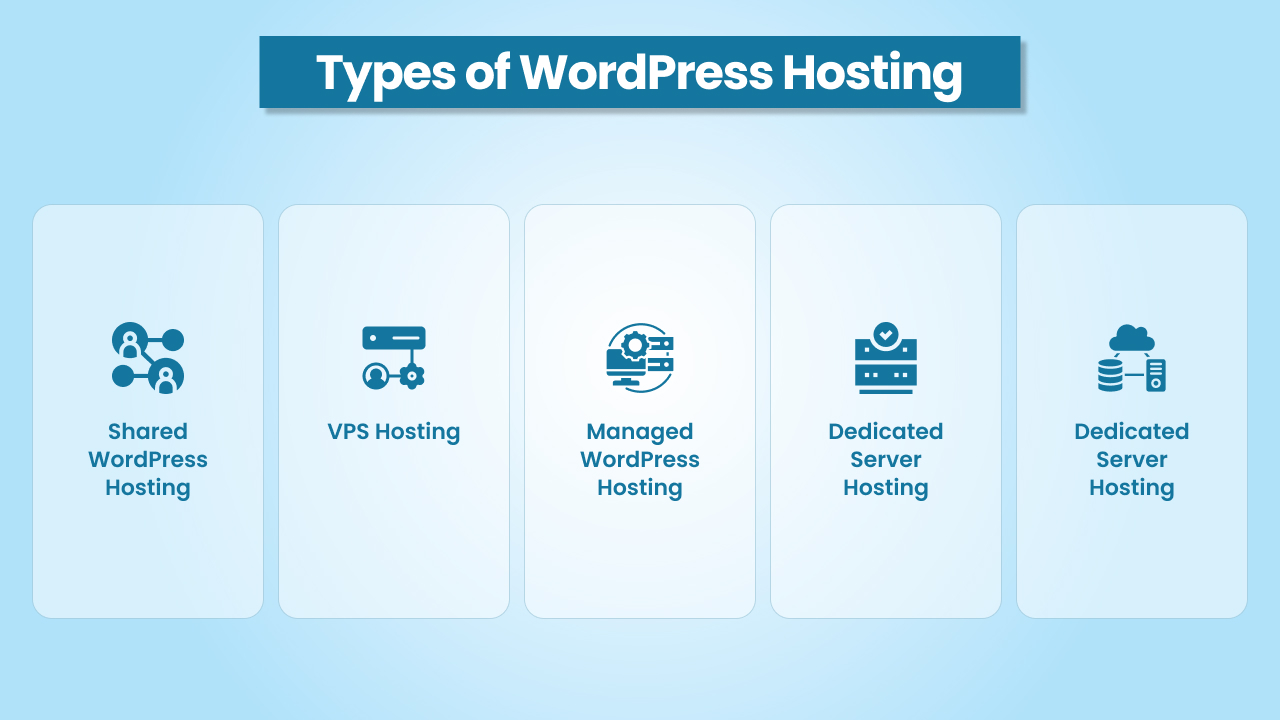
The hosting world has quite a lot of options, and each one comes with trade-offs. Let’s go through them in plain English.
Shared WordPress Hosting
Think of this like renting an apartment with roommates. Your site shares the same server resources with many other sites. The upside is cost; it’s cheap and beginner-friendly. The downside is performance, since a traffic spike on one site can affect yours. Still, it’s a common starting point for small sites or anyone launching their first WordPress website.
VPS Hosting (Virtual Private Server)
A VPS is like having your own apartment in a bigger building. You’re still sharing a physical server, but you get dedicated resources. This means better speed and stability compared to shared hosting. VPS hosting is a good fit for growing websites that need more control without paying for a full dedicated server.
Managed WordPress Hosting
Here, the hosting company does most of the heavy lifting. They keep WordPress updated, handle backups, improve security, and even optimize performance. It’s like hiring a building manager who takes care of everything behind the scenes. Managed WordPress hosting is perfect for website owners who’d rather focus on their business than on server tasks.
Dedicated Server Hosting
This is like owning the entire building. Your website gets an entire server to itself, which means top performance, security, and control. Dedicated server hosting is powerful but expensive, usually chosen by enterprises or websites with very high traffic and strict technical needs.
Cloud Hosting
Instead of living in one building, imagine having several backup homes you can use when needed. Cloud hosting spreads your site’s files across multiple servers, so if one fails, another takes over. It’s scalable, flexible, and great for websites expecting sudden traffic spikes or running multiple sites.
Quick Comparison of WordPress Hosting Types
| Hosting Type | Cost | Performance | Best For |
|---|---|---|---|
| Shared WordPress Hosting | Low $ | Basic, limited | Small sites, new site owners, personal blogs, low-traffic WordPress websites |
| VPS Hosting | Medium $$ | Good, more stable | Growing WordPress sites, small businesses, and website owners needing more control |
| Managed WordPress Hosting | Medium–High $$$$ | Very good, optimized | Businesses that want host-managed updates, security, and better WordPress performance |
| Dedicated Server Hosting | High- $$$$ | Excellent, maximum | Enterprises, eCommerce websites, or WordPress sites with heavy traffic |
| Cloud Hosting | Flexible – $$$$ | High, very scalable | Websites expecting traffic spikes, multiple sites, and projects needing flexibility |
How to Choose the Right WordPress Hosting
Looking at hosting plans can feel confusing. There are so many options, and most sound the same. The easiest way to decide is to think about what you really need.
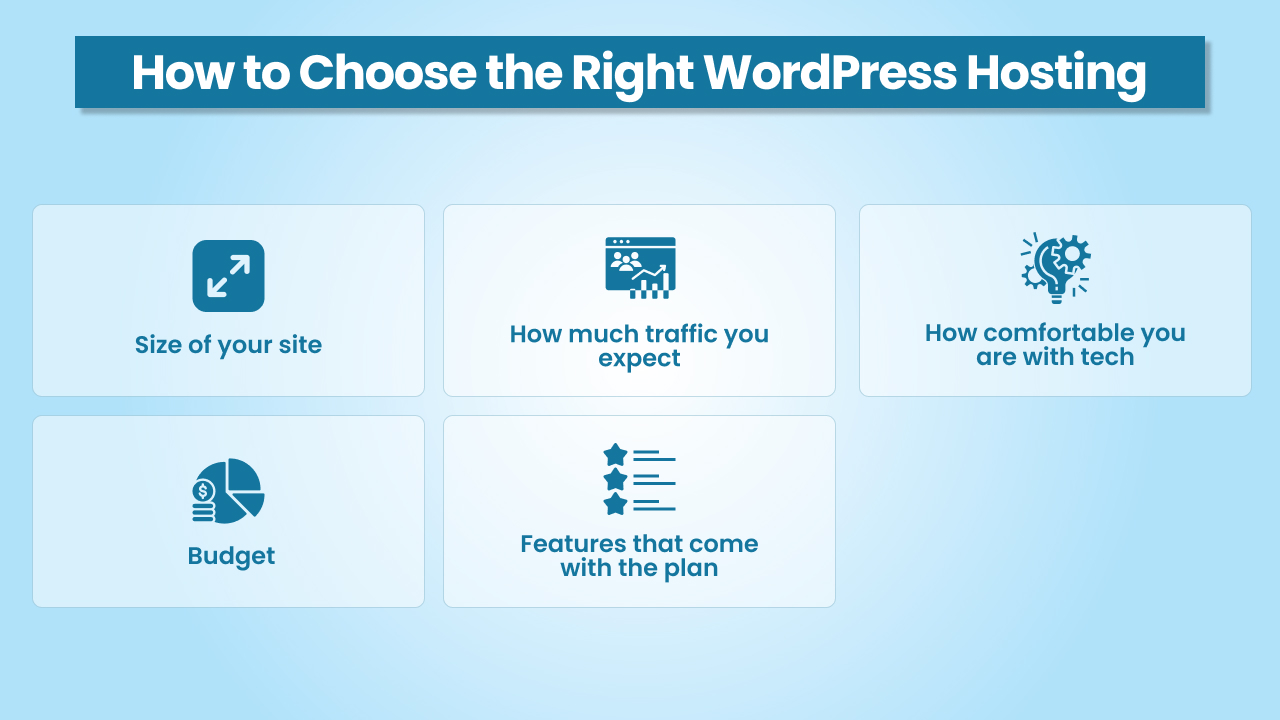
1. Size of your site
If you just want a small blog or a simple site, shared WordPress hosting is fine. But as your site grows into something bigger, like an online store, you’ll need more power. That’s when VPS hosting or managed hosting is better.
2. How much traffic you expect
A new site with a few visitors can run on shared hosting. But if you’re planning to run ads, sell products, or expect a lot of people visiting, go for cloud hosting or a dedicated server. That way, your site won’t slow down or crash.
3. How comfortable you are with tech
Some people like to manage things on their own. If that’s you, VPS hosting or a dedicated server gives you control. But if you don’t want to handle updates, backups, or security, managed WordPress hosting is easier because the hosting company takes care of all that.
4. Budget
Shared hosting is the cheapest option and works fine for small sites. But if your site is important for your business, it’s worth spending a little more for a hosting service that’s faster, safer, and better supported.
5. Features that come with the plan
Not all hosting plans give you the same extras. A good WordPress hosting plan should include things like a free SSL certificate, automatic updates, and security tools. These make your life easier and keep your site safe.
In short: choose WordPress hosting based on where you are right now and where you want to go. Start small if you need to, and upgrade when your site grows.
How WordPress Hosting Impacts Your Website
You can run a WordPress site on regular hosting, but using hosting that’s made for WordPress makes a big difference. Here’s why it matters:
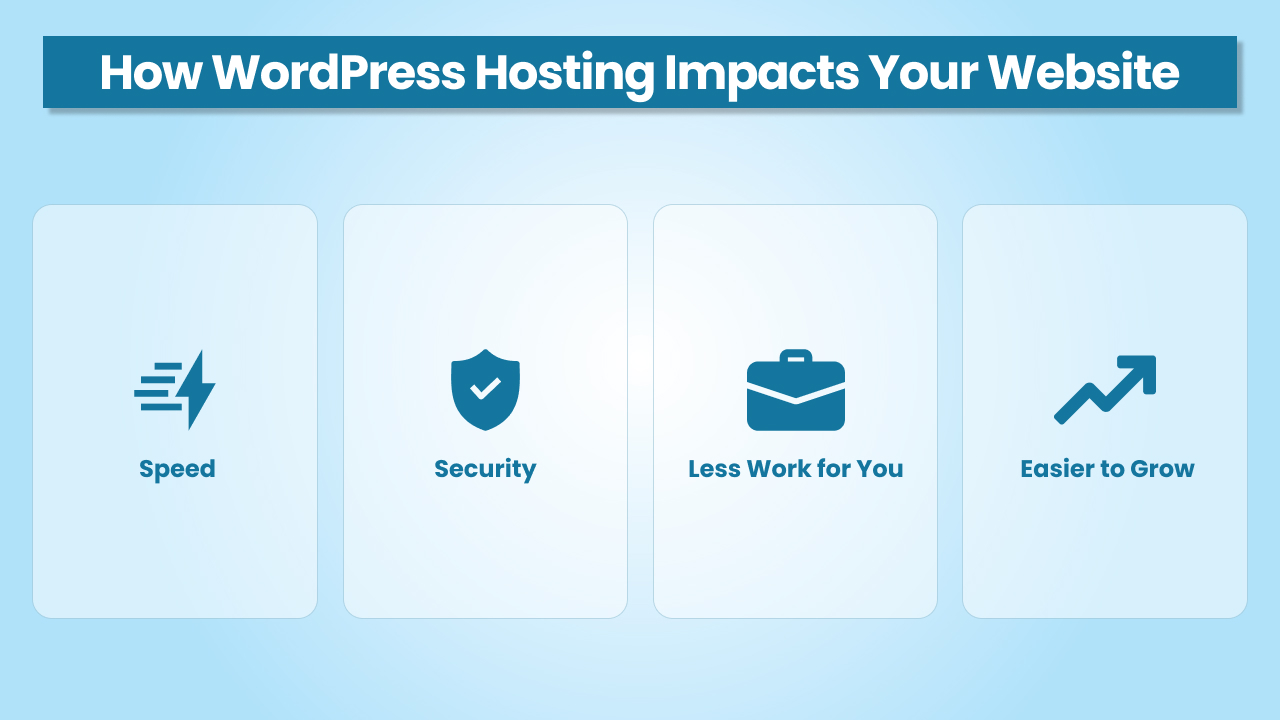
- Speed: WordPress hosting is set up to make WordPress sites load faster. A fast site keeps visitors happy and also helps in search engine results.
- Security: WordPress sites face some common threats. WordPress hosting often comes with extra protection, malware scanning, and free SSL certificates that keep your site and visitors safe.
- Less Work for You: With many WordPress hosting plans, things like updates and backups are handled by the host. That means you spend less time fixing technical stuff and more time running your site.
- Easier to Grow: When your site gets bigger or traffic increases, it’s easier to upgrade your hosting plan. WordPress hosting is built to scale with your needs.
In short, WordPress hosting saves time, makes your site safer, and helps it run better. That’s why most website owners prefer it over regular hosting.
Conclusion
WordPress hosting isn’t just another web hosting service. It’s a hosting solution built to support WordPress users with features like automatic software updates, free SSL certificates, and servers optimized for WordPress performance.
Whether you start with shared WordPress hosting, move to VPS hosting, or invest in cloud hosting or a dedicated server, the right hosting provider makes managing your WordPress website much easier. With dedicated resources, enhanced security, and specialized support, your site is better prepared to handle growth, attract more organic traffic, and give visitors a smooth user experience.