Reviews on


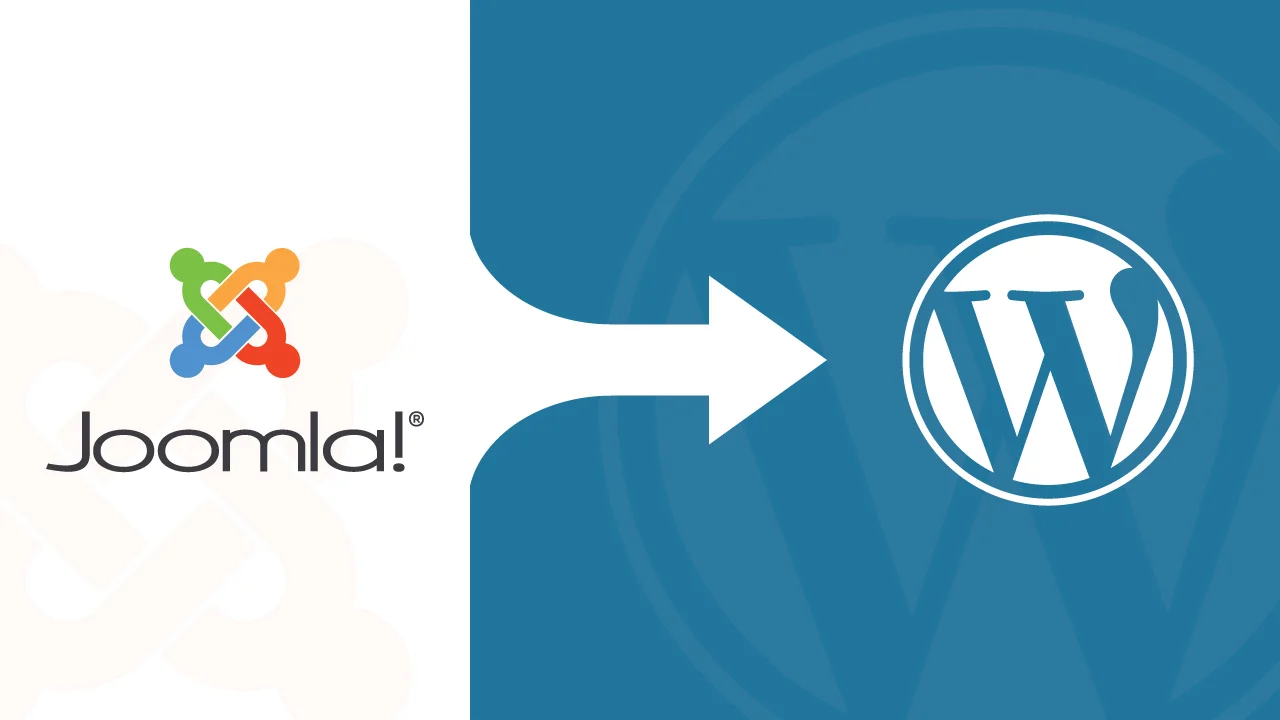
Joomla has been a solid platform for years. With built-in multilingual support, powerful access controls, and strong community backing, Joomla gave users the freedom to build complex websites without needing to rely on a hundred extensions. For many developers and site owners, it was the go-to CMS that got the job done—and did it well.
But over time, things change. Managing a Joomla site today can take more effort than it used to. Updates aren’t always smooth, extensions can be tricky to manage, and keeping up with newer features often means more work.
That’s why many site owners are now moving to WordPress.
It’s easier to use, faster to customize, and supported by a huge community. Whether you want to simplify your workflow or make your website easier to grow, WordPress makes that process smoother.
In this guide, we’ll walk you through everything you need to know to move your site from Joomla to WordPress—the right way.
⏰ 60-Second Summary
- Joomla to WordPress migration is a smart move for easier content management, better plugin support, and a more modern, SEO-friendly platform.
- Before starting, back up your Joomla database, evaluate your site structure, and install WordPress on your new hosting environment.
- You can migrate manually for small sites, use tools like FG Joomla for faster transfers, or hire a professional WordPress migration agency for complex projects.
- After migration, choose and customize WordPress themes to match or improve your old Joomla design and install essential plugins for SEO, security, and performance.
- Final steps include setting up redirects, submitting your site to Google Search Console, optimizing speed and security, and announcing your new WordPress site to your audience.
Why Migrate from Joomla to WordPress?
Before we get into the how, let’s talk about the why. Joomla is a capable CMS—but there are a few key reasons people are choosing WordPress as their long-term solution.
1. Easier to Use
Joomla offers flexibility, but it comes with a learning curve. Managing menus, modules, and extensions can get complicated—especially if you’re not a developer. WordPress, on the other hand, is much more user-friendly. You can update content, install plugins, or change your site’s design with just a few clicks.
2. Better Plugin Ecosystem
Need to add a contact form, improve SEO, or connect your site to email marketing tools? WordPress has thousands of plugins for that—and most of them are actively maintained. While Joomla does have extensions, the selection is smaller and updates aren’t always consistent.
3. More Themes and Design Options
Designing a site on Joomla often requires a lot of custom work. With WordPress, there are thousands of free and premium themes you can use right out of the box. You can also customize them easily without touching a single line of code.
4. Stronger Community Support
WordPress powers over 40% of all websites. That means a huge global community, tons of tutorials, active forums, and a steady stream of new features. If you ever get stuck, finding help is much quicker.
5. SEO-Friendly Out of the Box
WordPress has solid SEO tools built right in—and even more powerful options through plugins like Yoast SEO or Rank Math. While Joomla can also be optimized for search engines, it often requires more manual setup.
Book a free consultation with cmsMinds, and we’ll guide you through the process—from assessing your Joomla database to launching your brand-new WordPress site.
Preparing for the Migration
A smooth migration starts with good preparation—and a little time spent upfront can save you hours (or days) of troubleshooting later on.
Here’s what you’ll want to do before making the switch.
Backup Your Joomla Site
First things first: make a full backup of your existing Joomla site. That means backing up both your database and your website files.
Even if you’re confident everything will go smoothly, a backup gives you peace of mind. If anything goes wrong during the migration, you’ll have a clean copy you can restore. You can use tools like Akeeba Backup or make a manual backup through your hosting control panel—whatever works best for you. The important thing is to have that safety net ready.
Evaluate Your Site Structure
Next, take a close look at what’s actually on your Joomla site.
Make a list of all your main pages, articles, menus, categories, and any special extensions you’re using. Not everything needs to move over—this is a great time to clean house. Are there outdated pages you can leave behind? Sections that don’t get much traffic anymore? Deciding what to migrate (and what to retire) will make the process faster and your new WordPress site cleaner and more focused.
It can also help to sketch out your ideal site structure. Think about how you want your menus organized, which pages should be top-level, and where your blog posts should live. Having a clear plan now will make rebuilding in WordPress a lot easier later.
Set Up Your New WordPress Site
With your Joomla site backed up and your structure mapped out, it’s time to get your new WordPress home ready.
Start by setting up WordPress on your hosting account. Some hosts offer one-click installs that make this part super simple. Once WordPress is up, choose a lightweight starter theme that matches the general style you’re aiming for—you’ll customize it more later after the migration is complete.
Keep things basic for now. The main goal is to have a clean, working WordPress installation where you can start importing your Joomla content without extra distractions.
Different Methods to Migrate
When it comes to moving from Joomla to WordPress, there’s no one-size-fits-all approach. The right method for you depends on how large and complex your site is—and how hands-on you want to be during the migration.
Here are the three main ways to get the job done.
Manual Migration (for Smaller Sites)
If your Joomla site is fairly small—say, just a handful of pages and a simple blog—you might be able to migrate everything manually.
This method is exactly what it sounds like: you copy and paste your content from Joomla into WordPress by hand. You’ll also recreate your menus, rebuild your page layouts, and install WordPress plugins that match the functionality of any important Joomla extensions you were using.
Manual migration can be time-consuming, but it gives you total control over the process. It’s a good option if you want to clean up and modernize your site as you go, or if you’re moving away from a cluttered old design.
💡Just remember: even with a small site, manual migration requires careful attention to detail to make sure nothing important gets left behind.
Using a Migration Plugin or Tool
For most site owners, using a WordPress migration plugin is the fastest and easiest way to move from Joomla to WordPress.
One of the most popular options is FG Joomla to WordPress. It connects to your Joomla database and automatically imports your articles, categories, images, and even some menus into your new WordPress site. Some plugins also offer premium versions that can migrate custom fields, users, and more.
The pros of using a plugin? It saves a lot of time, especially if your site has hundreds (or thousands) of articles. You also reduce the risk of manual errors, like missing links or mismatched categories.
The cons? No plugin is perfect. You’ll probably still need to spend time cleaning up your content, fixing formatting quirks, and rebuilding any custom layouts or specialized functionality that doesn’t transfer neatly.
Hiring a Professional
If your site is large, heavily customized, or mission-critical (think memberships, e-commerce, or multilingual setups), it might be worth hiring a professional WordPress Development company to handle the migration.
An experienced WordPress developer or agency can plan the migration carefully, preserve your SEO rankings, rebuild complex features in WordPress, and make sure everything works exactly the way you want it to. They’ll also handle technical tasks like setting up redirects and testing for hidden issues—things that can be easy to overlook if you’re doing it yourself.
While hiring help is more expensive upfront, it can save you major headaches later on—especially if your website is a core part of your business.
Step-by-Step Joomla to WordPress Migration Process
Now that you know your options, let’s dive into the actual process of moving your Joomla site to WordPress site. We’ll walk through the key steps to make sure your migration is as smooth and stress-free as possible.
1. Install a Migration Plugin
Start by installing a migration plugin that’s built for Joomla-to-WordPress transfers. FG Joomla to WordPress is one of the most trusted tools for this job.
In your new WordPress dashboard, go to Plugins → Add New, search for “FG Joomla to WordPress,” and click Install Now. Once it’s installed, activate the WordPress plugin and get ready to connect your old site to your new one.
2. Connect to Your Joomla Database
To import your content, the plugin needs access to your Joomla database.
Log into your hosting account where your Joomla site is installed. Find your database name, username, password, host address, and table prefix—you can usually find these details in your Joomla configuration file (configuration.php) or through your hosting control panel.
Once you have this information, head back to WordPress and enter the database details into the migration plugin’s settings. This allows WordPress to pull in your existing content safely.
3. Import Content
With the connection set up, it’s time to import your content.
Run the importer and follow the plugin’s prompts. Most migration tools will transfer your articles, categories, images, and menus automatically. Depending on the size of your site, this step might take a few minutes—or a little longer.
Once the import is finished, take a quick look around your new WordPress dashboard. You should see your Joomla content appearing in the correct places.
4. Check and Fix Internal Links
After importing, it’s important to double-check your internal links.
Joomla and WordPress structure URLs differently, so you might find that some links inside your pages or posts are broken. Many migration plugins offer a tool to automatically fix internal links, but it’s still a good idea to manually spot-check a few important pages just to be sure everything is linking properly.
If you find any issues, you can update links manually or use a plugin like Better Search Replace to batch fix them.
5. Rebuild Your Design
Content is only part of the equation—you’ll also need to recreate the look and feel of your old site (or take the opportunity to refresh it).
Choose a WordPress theme that fits your needs, install it, and start customizing. Many modern themes are flexible enough to match your old design closely, but you can also tweak layouts, colors, and fonts to modernize your site if you want.
Remember: focus first on getting everything functional, and polish the finer details later.
6. Install Key Plugins
Next, set up the essential plugins that will power your new WordPress site.
At a minimum, you’ll want plugins for:
- SEO (like Yoast SEO or Rank Math)
- Security (like Wordfence or Sucuri)
- Forms (like WPForms or Gravity Forms)
- Caching (like WP Super Cache or W3 Total Cache)
These tools help keep your site fast, secure, and optimized from day one.
7. Test Everything
Finally, before you consider the migration done, you need to test your site thoroughly.
Click through every menu item. Submit every form. View your site on desktop, tablet, and mobile. Check your site’s speed and performance using tools like PageSpeed Insights or GTmetrix. And don’t forget to test functionality like search bars, e-commerce features, or membership logins if your site has them.
Catching (and fixing) small issues now will save you a lot of trouble once your visitors start using the new site.
Common Challenges (and How to Solve Them)
Even with careful planning, a few bumps in the road are normal during any migration. The good news is, most common issues are easy to fix once you know what to expect.
Here’s a quick guide to the challenges you might face—and how to solve them without losing momentum.
Broken Links and 404 Errors
After moving your site from Joomla to WordPress, you might notice that some old links no longer work. Joomla URLs are different from WordPress URLs structures, so it’s common to run into a few broken links or 404 pages.
The fix: set up 301 redirects to point your old URLs to their new WordPress counterparts. A plugin like Redirection makes this process simple—you can create redirects manually or import them in bulk. Redirects not only fix broken links for your visitors but also help preserve your SEO rankings.
Media Import Problems
Sometimes images and other media files don’t transfer perfectly during migration. You might see missing images on posts or broken file links.
If this happens, you have a couple of options. First, check if your migration plugin has an additional tool for importing media (many do). If not, you can manually upload missing images into WordPress and reinsert them where needed. It’s a little extra work, but it ensures your content looks complete and professional.
Menu and Navigation Differences
Joomla’s menu system is different from WordPress’s, and after migration, you’ll likely need to rebuild your site’s navigation by hand.
Start by recreating your main menus in WordPress under Appearance → Menus. You might need to reorganize pages slightly to match your old structure—or take the opportunity to simplify your navigation for a better user experience. WordPress makes it easy to create dropdowns, multi-level menus, and custom links, so you have plenty of flexibility.
SEO Impacts
A major worry during any migration is losing search engine rankings. Fortunately, with a little preparation, you can protect (and even improve) your SEO.
Here’s how:
- Set up 301 redirects for all important pages.
- Install an SEO plugin like Yoast SEO or Rank Math to optimize your new site.
- Submit an updated sitemap to Google Search Console after the migration.
- Monitor your site’s performance and fix any crawl errors as they appear.
By taking these steps, you’ll give your WordPress site a strong SEO foundation—and avoid losing the organic traffic you’ve worked hard to build.
After the Joomla to WordPress Migration
Once your Joomla content has successfully moved into WordPress, you’re not quite done yet. There are a few important final steps to make sure your new site is fully ready to go—and to set it up for long-term success.
Here’s what to focus on after the migration is complete.
Set Up Redirects
Redirects are one of the most important things you can do to protect your SEO after a migration.
By setting up 301 redirects from your old Joomla URLs to your new WordPress URLs, you ensure that visitors (and search engines) don’t run into dead ends. It also helps preserve the page authority and rankings your site has built over time.
Plugins like Redirection make it easy to manage this without touching your site’s code. Take a little extra time here—setting up good redirects is one of the best ways to make your transition seamless for users and Google alike.
Submit Your New Site to Google
Once your redirects are in place and your WordPress site is live, it’s time to let Google know.
Update your Google Search Console account with your new sitemap. Most SEO plugins can generate a sitemap for you automatically—just copy the link (usually something like yoursite.com/sitemap.xml) and submit it in Search Console.
This step helps Google crawl your new site faster, find all your new URLs, and continue indexing your all other pages without missing a beat.
Optimize for Speed and Security
Now’s the perfect time to tighten up your site’s performance and security.
- Install a caching plugin to speed up your site for visitors. Tools like WP Super Cache or W3 Total Cache are easy to set up and make a big difference.
- Enable SSL (HTTPS) if you haven’t already. Most hosts offer free SSL certificates through Let’s Encrypt.
- Harden your WordPress security with plugins like Wordfence or Sucuri. A few small changes—like limiting login attempts and keeping plugins updated—can go a long way.
A fast, secure website isn’t just good for your visitors—it’s also great for your SEO and credibility.
Inform Your Audience
Finally, don’t forget to let your audience know about the update!
Whether it’s through a quick blog post, an email blast, or social media announcements, tell your users that the site has a new look and feel. Invite them to explore the updated design and let you know if they spot anything odd.
Not only does this build trust, but it also gives your loyal visitors a heads-up that small changes (like new URLs or layouts) are intentional—not errors.
Conclusion
Migrating from a Joomla website to WordPress isn’t just a technical upgrade—it’s a strategic move toward a more flexible, user-friendly future for your site.
Yes, it takes some planning. You’ll need to connect your Joomla database carefully, organize your content, and set everything up in the WordPress admin panel. And sure, there might be a few hiccups along the way. But what you gain—speed, simplicity, endless customization, and a thriving ecosystem of WordPress users and developers—far outweighs the effort it takes to get there.
Think of it this way: your website should evolve just like your business, brand, or personal projects do. Moving to WordPress gives you a platform that’s easier to manage day-to-day, quicker to adapt to new technologies, and ready to deliver a better experience for your audience over the long term.
If you’re standing at the starting line right now, take a breath—you’re closer to the finish than you think. With the right tools, the right strategy, and a little patience, your new WordPress site will be live, polished, and ready for whatever comes next.
A quick content transfer or a full redesign, at cmsMinds, we specialize in seamless Joomla to WordPress migrations.