Reviews on


Back then, when we optimized websites for better search engine rankings, our SEO team used to manually search and find each link. Of course, later, we found out how many we missed.
It was not only time-consuming but also easy to overlook meaningful connections and links between pages that could have drastically improved the site’s overall structure. That’s when we started looking for smarter ways to handle the whole internal linking process.
Although internal linking might sound like a small part of SEO, it actually plays a huge role in helping search engines crawl your site, understand content, and keep your visitors exploring more of such relevant pages.
Thankfully, today, we have a ton of internal linking plugins for WordPress that make this entire process much simpler and quicker. There are some plugins that automatically suggest links as you write the content, and there are others that give you more control over where and how you should place them after you’re done writing for better SEO.
So in this post, we’ll look at some of the best internal linking plugins for WordPress that can save you hours of manual work and help strengthen your SEO strategy.
- Internal linking plugins for WordPress help build internal links, fix broken links, improve on-page SEO, and support stronger search engine rankings.
- Plugins like Link Whisper and Internal Link Juicer suggest internal links, identify linking opportunities, and automatically add internal links across your WordPress website.
- These internal linking tools manage internal and external links, track link juice, show relevant internal links, and assist with smart link suggestions inside the content editor.
- WordPress users get detailed analytics, link reports, incoming links data, and complete control over anchor text, relevant posts, and internal linking structure.
- Whether using a free plugin or a premium plugin, you can place internal links faster, improve SEO value, and highlight the most engaging pages.
What Makes cmsMinds a Subject Matter Expert?
Well, we’ve been working with WordPress for nearly 15 years now, and internal linking is one of those things we’ve learned not to ignore (Of course, the hard way).
It might not seem like a big thing now, but the way links connect your content to each other can make a huge difference in how search engines understand your website and if it’s relevant to your visitors.
Over time, our WordPress development team has tried and tested several internal linking plugins; some are free, while others come with a heavy price tag. Before we recommend any plugin to our clients or website readers, we look at how it performs in real life.
Rather than going for ratings and reviews, we run those plugins on our sites. We check how easy it is to use, how accurate its link suggestions are, whether it slows down the site, and if it seamlessly fits into an existing content workflow.
That’s what makes us confident in calling ourselves subject matter experts because our opinions come from experience, not assumptions.
Reach out to the cmsMinds team, and we’ll guide you in the right direction.
Comparison Table: Best Internal Linking Plugins for WordPress
| Plugin | What It’s Good For | Free Version | Paid Version / Pricing | Ratings & Notes |
|---|---|---|---|---|
| All in One SEO – Link Assistant | Full-featured SEO plugin with internal linking suggestions and orphan content tracking in the premium version. | Yes (basic AIOSEO version) | Available with Pro or higher plans. Pricing varies. | Ideal for users already using AIOSEO for SEO. Easy to use and reliable. |
| Yoast SEO | Built-in internal linking assistant that provides link suggestions, link reports, and helps manage internal and external links | Yes | Premium version costs around $99–$118 per year for one site. | Popular and trusted SEO plugin. Great if you want SEO and linking features in one tool. |
| Interlinks Manager | Tracks and manages internal links, analyzes link juice distribution, and suggests optimization opportunities. | Yes (Lite version) | Pro version starts at around $39 per year for one site. | Great for data-driven SEO professionals who want full visibility and control. |
| Rank Math | Comprehensive SEO plugin that includes internal link suggestions along with other SEO tools. | Yes | Paid plans start from around $59 per year. | Excellent all-in-one SEO plugin with clean interface and strong automation |
| MonsterInsights | Analytics plugin that helps track internal link clicks and identify popular posts for better linking strategies. | Yes (basic version) | Paid plans required for full tracking and advanced reports. | Not a linking plugin itself but helps analyze and optimize link performance. |
| Link Whisper | Automates internal linking suggestions, detects orphan pages, and builds a solid link structure. | Yes (basic version) | Starts at around $97 per year for a single site. | One of the best dedicated tools for internal linking. Saves time and boosts efficiency. |
| Yet Another Related Posts Plugin (YARPP) | Displays related posts automatically to increase engagement and improve internal navigation. | Yes | Mostly free; some add-ons may be available. | Best for blogs and content-heavy sites that want automated related content linking. |
| Internal Link Juicer | Specially built for automating internal linking using keywords, custom rules, and link settings. | Yes (basic version) | Starts at around $69.99 per year. | Focused solely on internal linking. Great for automation and full control. |
Let’s look into each of the plugins separately.
1. All in One SEO – Link Assistant
When we first started using All in One SEO, what really stood out the most was how simple it made the entire SEO process. We didn’t have to jump between tools or deal with confusing settings. There was no learning curve.
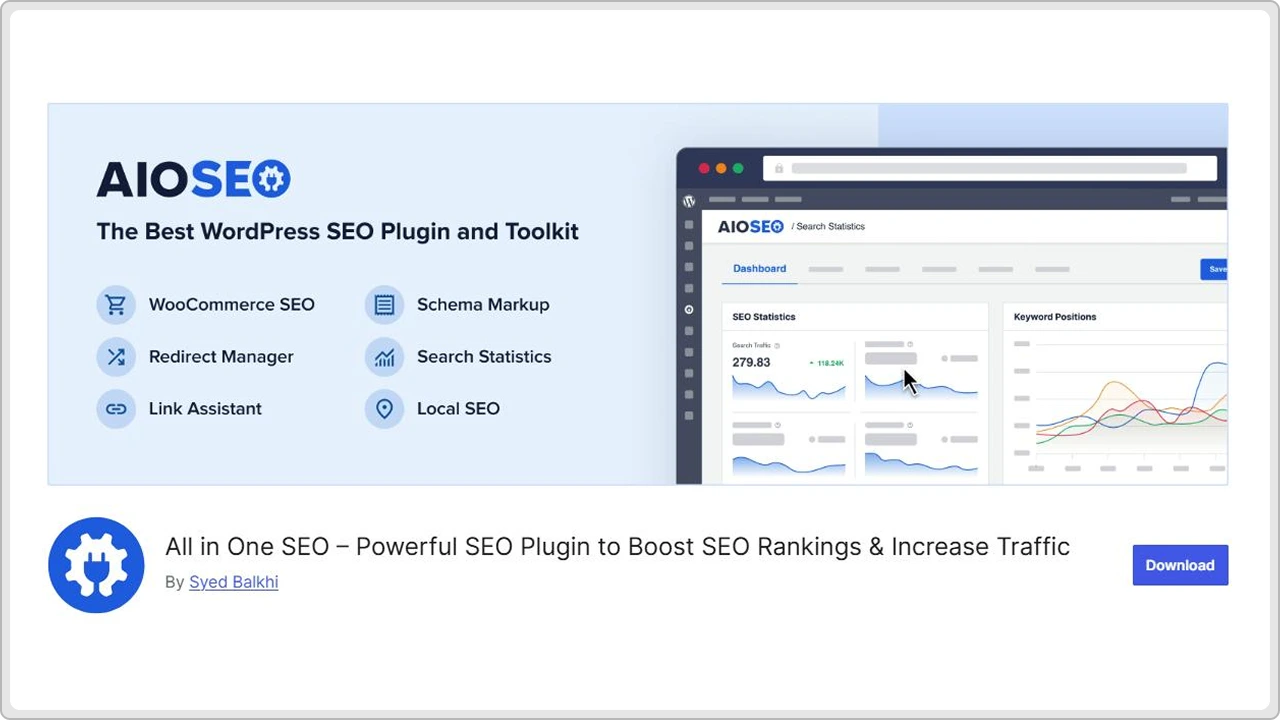
Everything we needed for page optimization like meta titles, descriptions, sitemaps, and schema, was already there in one place.
Coming to internal linking, AIOSEO comes with a brilliant built-in Link Assistant that’s actually quite helpful. It basically scans your site, finds unlinked individual pages, and suggests where you can add new links.
For larger sites like enterprises, this feature indeed saves a lot of time that would otherwise go into manual link audits.
AIOSEO also gives you detailed on-page insights through its TruSEO score, allowing you to fine-tune your content before you publish it. Whether it’s keyword optimization, readability, or link structure, this plugin will carefully guide you through everything in the simplest way.
Another thing we like about AIOSEO is how beginner-friendly it is. Even someone new to SEO can quite easily get started with this tool. People with no technical background too can get their site properly optimized. At the same time, it offers more than enough advanced options for users who want more control.
The most important thing is the pricing. Well, there are free and paid versions. The free version covers most basic SEO needs. On the other hand, its premium version, Pro plan, offers advanced tools like Link Assistant, redirection manager, and video sitemaps.
This plugin is just perfect for those who want to improve their site’s visibility and structure.
2. Yoast SEO
Yoast is another popular and preferred SEO plugin for WordPress sites to build internal links. It has been around for as long as the term “SEO” exists. However, that’s not its biggest advantage. It is how well it balances technical SEO with content guidance.
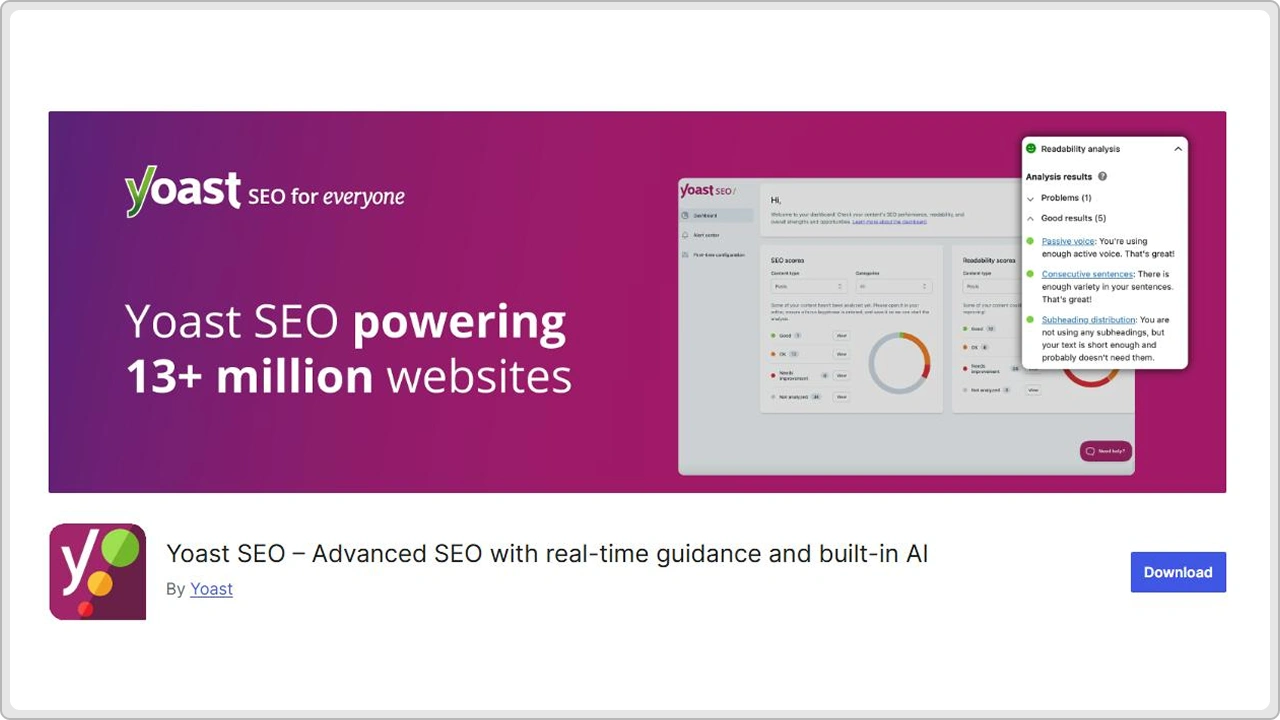
I mean it’s not just about titles or meta tags; it actually helps you write better, and in fact, more search-friendly content.
As you write, Yoast gives you real-time feedback on readability, keyphrase usage, headings, and other things that are related to on-page SEO.
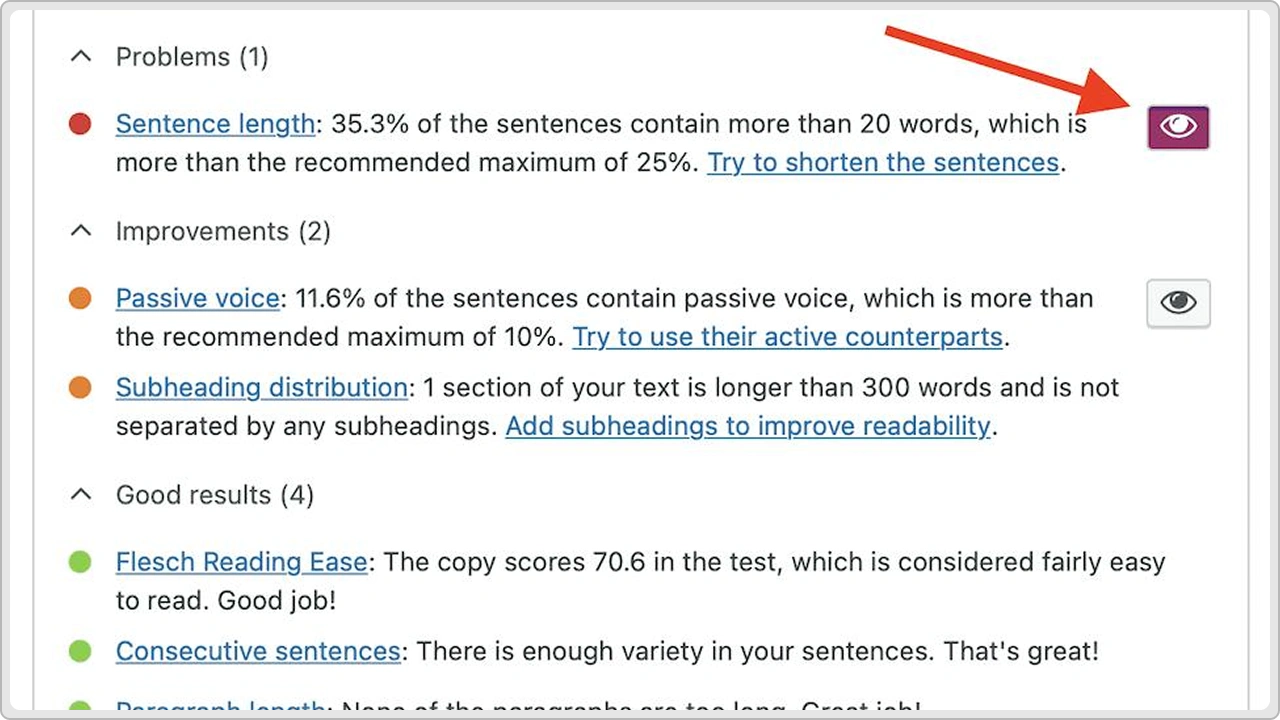
The small green and orange indicators mean what’s working and what needs a little improvement before you hit that “publish” button.
Now, the premium or paid version delves deeper into the SEO such as internal linking suggestions, redirect management, and tools to handle orphaned pages. The advanced features are really helpful for large enterprise sites where maintaining a solid link structure can get a little complex.
For most users, the free version covers all the SEO basics like optimizing context, creating XML, sitemaps, and managing SEO settings with ease. But let’s say, you want more control and automation in your internal linking process, then Yoast paid plan is definitely worth considering.
Overall, Yoast SEO is a 100% reliable plugin to find best internal linking opportunities. It’s a simple enough tool for beginners and powerful enough for SEO professionals and experts who want more insight and structure in their content.
3. Internal Links Manager
Internal Links Manager is simply great for people who are looking to manage internal links without relying much on automation. It sort of gives you a clear view of how your links connect and where your site might need stronger linking.
With this plugin, you can easily set keywords and target URLS, and whenever those keywords appear in the content (Anywhere in the site), the plugin creates the link. It also helps you decide which URL to choose when you have multiple options so you aren’t overwriting your custom work. Any manual links that you added earlier are kept as they are.
Coming to orphan pages, the ones with no internal links, they will get highlighted too, so you can just bring them back into the site link structure.
What we really like about the Internal Links Manager plugin is its detailed analytics. You can monitor how many internal links each page has, track clicks on those links, and finally see how ‘link juice’ flows through your site.
To keep it short, it not only builds links for you but it also shows you how they perform.
For smaller sites, the free version of YARPP covers everything you need. But if you’re running an enterprise-level, large content-rich site and want deeper insights and complete control, the paid version is much better as you’ll be getting advanced features like WooCommerce support, filtering rules, and exportable reports.
If all you need is a simple tool to add a few internal links automatically, there are other lighter options available. But if you’re considering internal linking as a strategic part of SEO and want to see some actual numbers, Internal Links Manager is the one.
4. Rank Math
Rank Math efficiently combines powerful SEO features with an interface that actually feels easy to use. This plugin easily handles all major aspects of search engine optimization (SEO), from keywords and schema to internal linking and sitemaps. Users can manage all this within their WordPress dashboard.
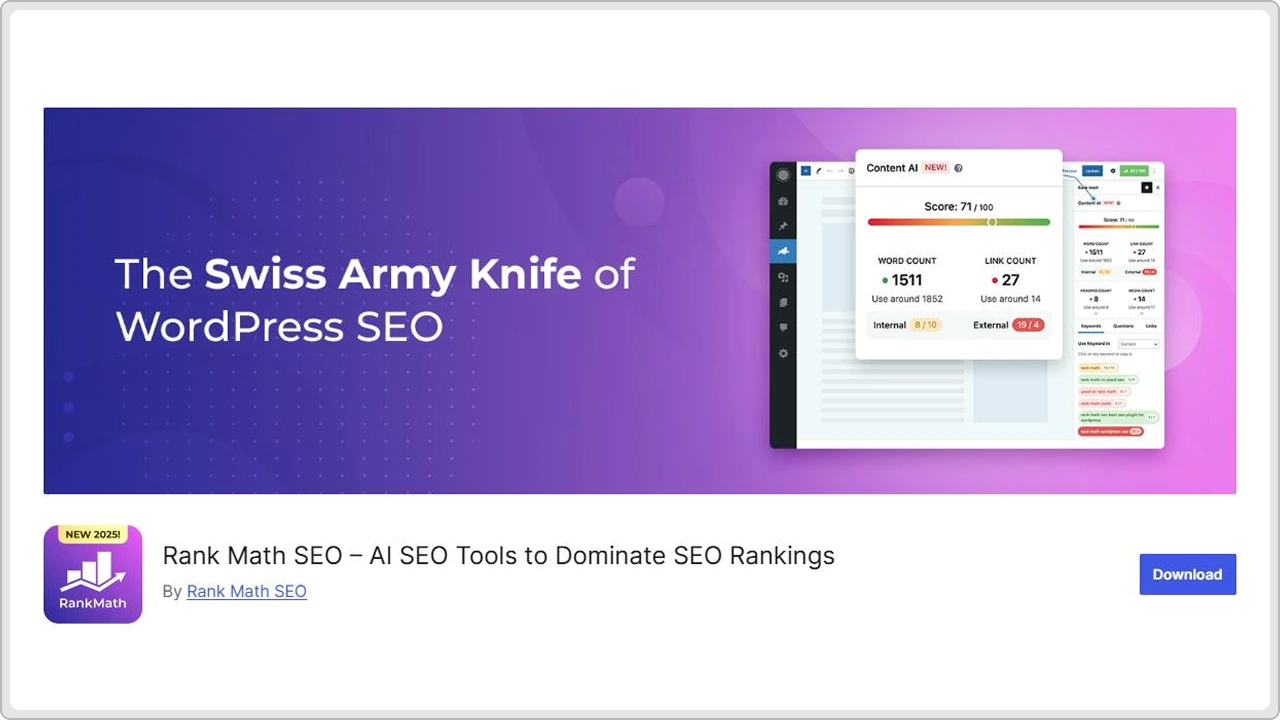
The setup process is pretty simple. Rank Math helps with initial configuration, allowing you to step up everything from basic site settings to Google Search Console integration. It’s almost like a manual so even though you’re not an SEO expert, you can still follow the steps.
When you start writing content, Rank Math provides real-time feedback on your focus keywords, readability, and overall optimization. It basically shows how your web page will appear in search results, so you can tweak and adjust titles and descriptions accordingly.
Apart from basics, Rank Math includes several advanced features that make it great for growing websites. This plugin automatically creates and updates sitemaps, offers internal link suggestions, and even includes a role manager so you can control who has access to what SEO settings.
Yes, Rank Math has a version, but it comes with only a handful of useful features. For many, the free version is enough. However, with paid plans, you get advanced analytics, keyword tracking, and deeper automation.
So whether you’re running a business site, a blog, or a large eCommerce store, Rank Math offers both flexibility and control without making the whole process complicated.
5. MonsterInsights
MonsterInsights is a popular plugin for making Google Analytics so much easier. You don’t have to struggle with tracking codes or switch between different tools as you get all your important website data right inside your WordPress dashboard. It literally translates complicated analytics into something you can actually understand and use.
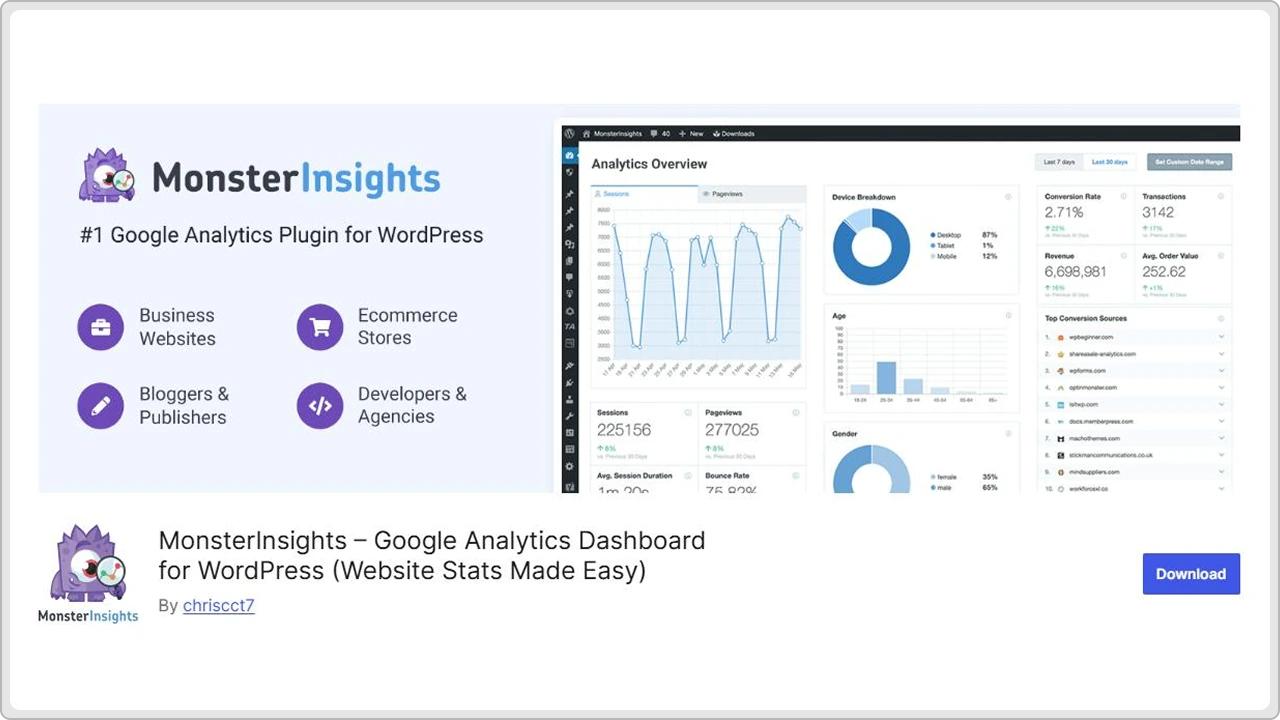
Another thing we like about MonsterInsights is how quickly you can set it up. As soon as you connect it with your WordPress website, it’ll start showing useful insights and helpful actions like your top performing pages, where your visitors are coming from and at what time, and how many people interact with your site.
Websites that depend on conversions or user actions, the plugin does even more. It tracks eCommerce performance, form submissions, affiliate clicks, and other interactions that help you understand what content or pages are bringing results. Now, this kind of useful information makes it much easier to plan your internal linking strategy as you can clearly see which pages need more visibility and engagement.
Just like other plugins, MonsterInsights too has free and paid versions. While the free version covers the basic features, the paid version gets you more advanced tracking and detailed reports for websites that need more attention.
All in all, MonsterInsights is a decent choice for anyone who wants basic analytics in their WordPress dashboard without having to deal with complex setups.
6. Link Whisper
Unlike other plugins that are known for overall SEO features, Link Whisper is specifically known for internal link building. It automates internal linking, which helps you spot wonderful linking opportunities that are easy to miss when you manage a large site with a ton of pages.
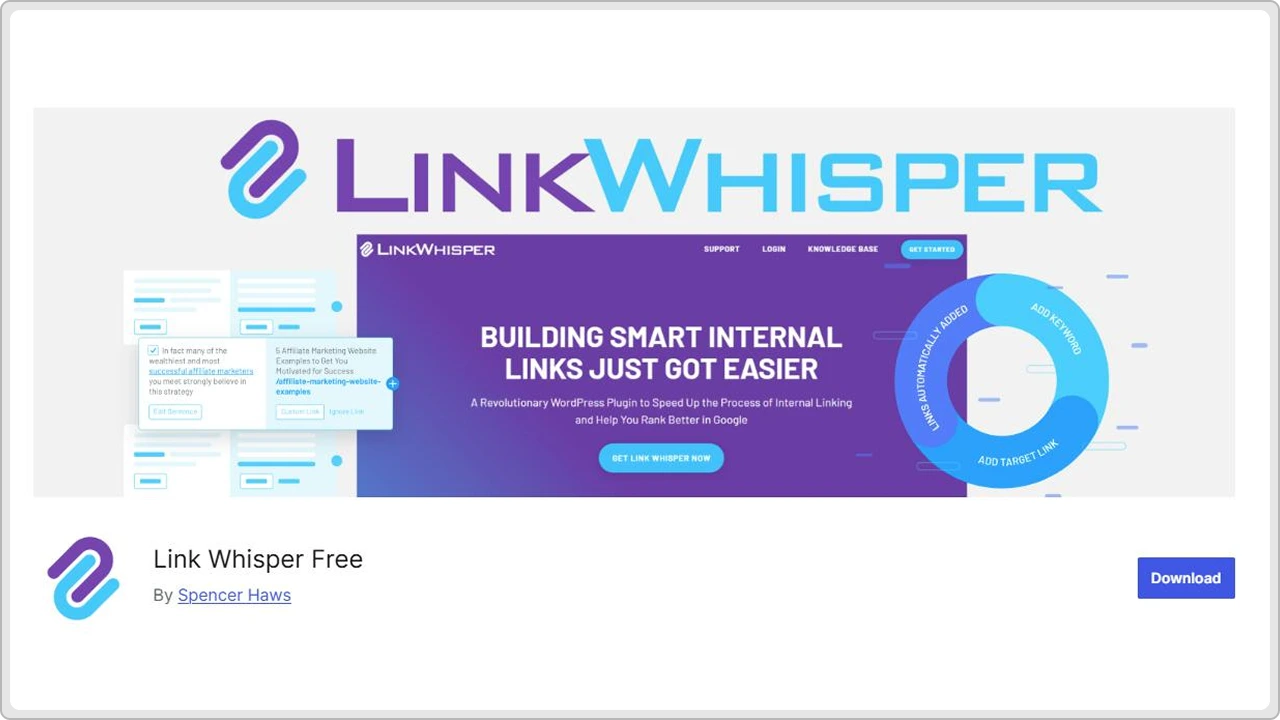
So instead of manually searching where you could fit a link, the plugin gives you suggestions right inside the WordPress content editor.
Most of the suggestions made by Link Whisper are so accurate. It looks at the context of your content (Not just keywords) so the links naturally fit into the content and add value to the entire page. Of course, you don’t have to accept every suggestion it makes. You can choose which to accept and edit the anchor text.
One more added advantage is that it helps fix orphan pages. These are the pages with zero internal links, and they often get lost and end up on the 99th page in search engines. Link Whisper highlights them clearly and helps you create links to bring them to life and, most importantly, back into your site structure.
There’s another helpful feature, which is the reporting dashboard. You can actually see how many internal and external links each page has, which pages need more attention, and where you might be overusing certain anchors. For websites that are filled with loads of content, this kind of overview indeed saves a lot of time.
The free version of this plugin will give you a basic idea of how the plugin works. However, with the paid version, you’ll get all the features, including full link suggestions, detailed reports, and advanced linking options.
For anyone wanting to improve internal linking without spending hours on manual work, Link Whisper is a practical choice.
7. Yet Another Related Post Plugin
YARPP is not a traditional internal linking plugin. It is most commonly used to highlight related posts and guide website visitors to more of your content. By doing this, it helps keep visitors on your site longer by showing them content that they might want to read next.
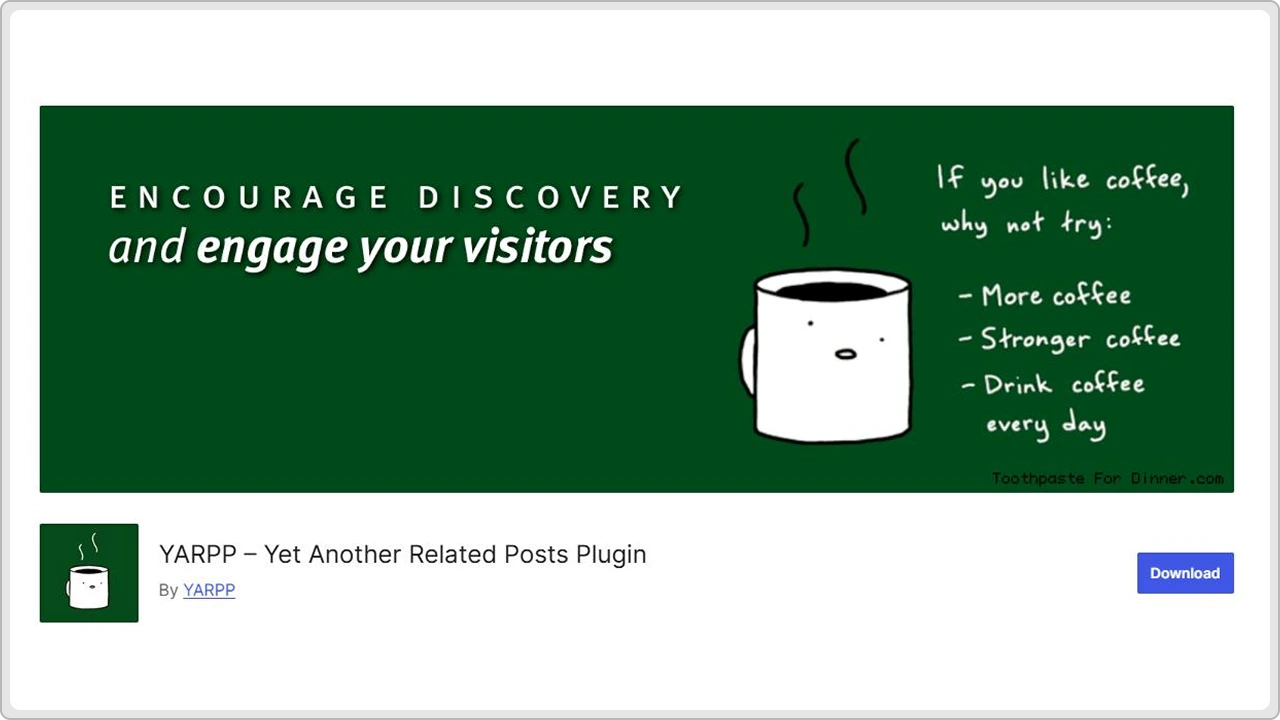
Instead of manually selecting related posts for each page separately, this plugin efficiently handles it automatically based on how your content is connected.
YARPP is super flexible. You can choose whether you want simple text links or a more visual layout with thumbnails. Plus, you will be able to control what counts as “related,” so the suggestions feel relevant and not random to visitors.
Although YARPP is not a conventional internal linking plugin, it still plays a significant role in your overall linking strategy. By showing your visitors related content automatically, you offer a natural route for them to explore more relevant content and pages throughout the site. This can actually help minimize bounce rates and increase session time.
Most of its important features are free, and for many websites, a free version is more than enough to get the job done. If you want to improve engagement and help your visitors discover more of your content without any extra manual work, YARPP is a pretty great choice.
8. Internal Link Juicer
The Internal Link Juicer plugin is built for a specific purpose which is managing internal links efficiently. If you do it manually, it’s both a repetitive and time-consuming task. But Internal Link Juicer will turn that tedious task into an automated process.
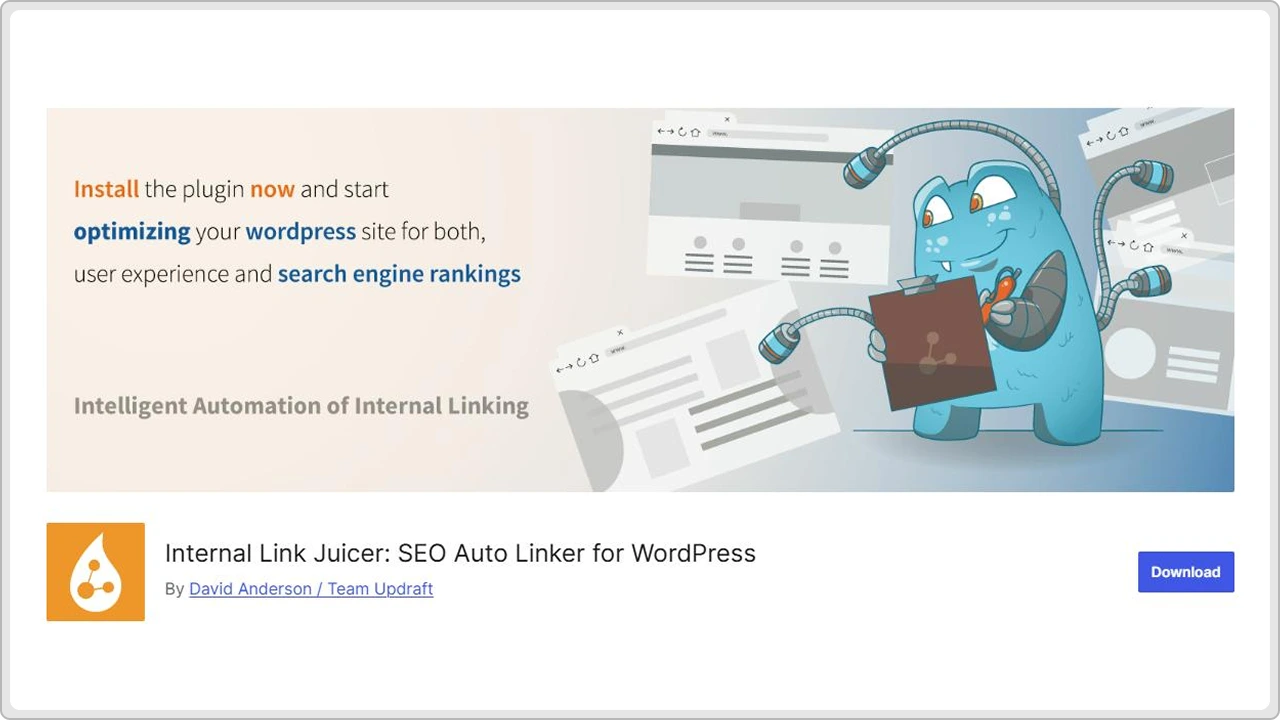
The idea behind this plugin is simple. You choose the keywords that should link to a particular page, and whenever those keywords appear in your content, including blog posts and web pages, the plugin automatically creates the link for you. Yes, it’s that simple.
This automated process will help you maintain consistency across your content and make sure that every relevant post and page on the website gets proper link coverage.
Compared to other plugins, Internal Link Juicer gives you more control over automation. Let me explain how. For instance, you can limit how many times a specific keyword gets linked in a post, exclude particular pages, or even fine-tune how the links appear. You’ll get to choose everything in every step.
Another strong point of this plugin is performance. The plugin is built to handle large or complex websites without affecting load times (Most times, it’s a major concern with automated tools). Plus, the plugin comes with detailed statistics so you can clearly see how your internal linking is spread across the site.
Although there’s a free version of this plugin, it only serves 1 website with limited features. There are other paid plans and licences with more advanced features, but you have to pay based on how many sites you intend to use the plugin on.
Conclusion
Some might think internal linking isn’t that big of a deal cause all you have to do is add a few links here and there, and you’re good to go. But let me tell you, it’s not true at all.
Internal linking helps search engines understand your content, keeps visitors moving through your pages, and effectively creates a structure that supports long-term SEO.
All 8 internal linking plugins for WordPress that we mentioned in this blog post make the process simpler and faster in different ways. Some plugins focus on automation, some give you more control, and others help you with numbers and how people move through your site. The best plugin is the one that fulfils your requirements.
Just remember, no matter which plugin you choose, what matters is staying consistent. As your website grows, internal linking will help your content perform better. With the right tool, you can save time, keep your site organized, and support your overall SEO efforts.
Get in touch with cmsMinds and we’ll help you build a clean, effective internal linking setup.