Reviews on



Let’s admit that even the best websites start to feel outdated or underperform over time.
So, what do you do? Is it time for a website refresh, or do you need a full redesign?
The answer? It depends.
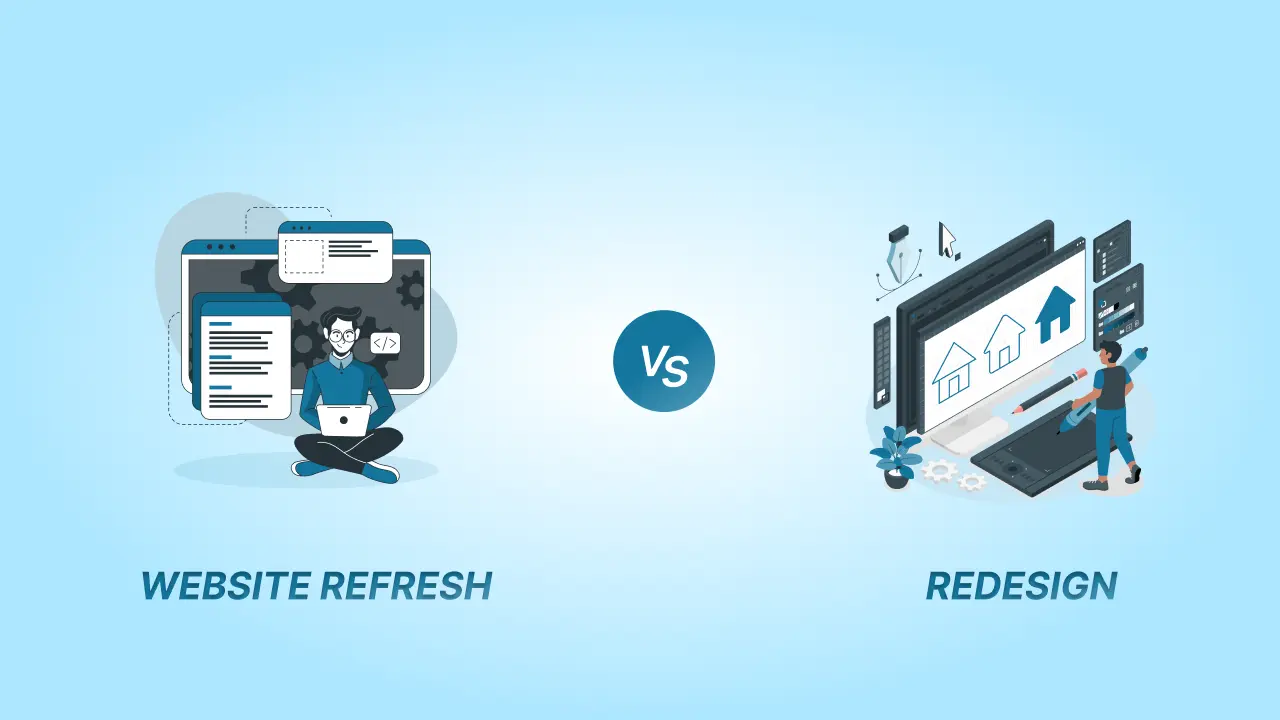
A website refresh is like giving your site a fresh coat of paint—updating visuals, tweaking content, and improving performance without changing the core structure. On the other hand, a website redesign is a complete transformation, rebuilding the site’s layout, functionality, and user experience from the ground up.
But how do you know which one is right for you?
✅ The key differences between a website refresh and a redesign.
✅ How to determine which approach fits your business needs.
✅ Tips for a successful website update.
By the end, you will have a clear-cut roadmap for upgrading your website the right way.
Website Refresh vs. Redesign
Let’s start understanding what website refresh and website redesign are.
What is a Website Refresh?
A website refresh involves making minor updates to improve your site’s aesthetics, functionality, or content without altering its core structure. Think of it as giving your website a makeover—freshening up its appearance and enhancing its performance while keeping the foundation intact. It’s a practical solution for businesses that want to stay relevant without the time and cost of a full website redesign.
Examples of a Refresh:
- Updating visuals: Refreshing colors, fonts, images, or graphics to create a more modern and cohesive look.
- Adding new content or features: Incorporating blog posts, case studies, testimonials, or small interactive elements like chatbots or forms.
- Improving user experience (UX): Streamlining navigation, fixing broken links, or optimizing page load speeds to make the site more user-friendly.
- Enhancing mobile responsiveness: Tweaking the design to ensure it looks great and functions well on all devices.
- Refreshing SEO elements: Updating meta tags, alt text, and keywords to improve search engine visibility.
Benefits of a Refresh:
- Cost-effective: A refresh is typically more budget-friendly than a full redesign, making it ideal for businesses with limited resources.
- Quick to implement: Since the core structure remains unchanged, updates can be rolled out faster, minimizing downtime.
- Maintains existing SEO rankings: Unlike a redesign, which can temporarily impact SEO, a refresh preserves your site’s search engine performance while improving it incrementally.
- Keeps your site current: Regular refreshes ensure your website stays visually appealing and functionally up-to-date without requiring a complete overhaul.
- Improves user engagement: Small tweaks to design and content can significantly enhance the user experience, leading to higher engagement and conversions.
A website refresh is perfect for businesses that are generally happy with their site’s performance but want to make it more polished, functional, and aligned with current trends.
What is a Website Redesign?
What is website redesign “is a complete overhaul of your site’s structure, design, and functionality.” Unlike a refresh, which focuses on minor updates, a redesign involves rebuilding your website from the ground up. It’s like tearing down an old house and constructing a new one—everything is reimagined to meet modern standards and align with your current business goals.
Examples of a Redesign:
- Changing the site’s architecture or navigation: Simplifying menus, improving user flow, or reorganizing content for better accessibility.
- Switching to a new platform or CMS: Migrating from an outdated system to a more robust cms platform like WordPress, Shopify, or Webflow.
- Rebranding the website entirely: Updating the logo, color scheme, typography, and overall aesthetic to reflect a new brand identity.
- Overhauling functionality: Adding new features like e-commerce capabilities, membership portals, or advanced search options.
- Improving mobile responsiveness: Ensuring the site is fully optimized for mobile devices, as a significant portion of web traffic comes from smartphones and tablets.
Benefits of a Redesign:
- Modernizes outdated websites: Keeps your site visually appealing and technologically up-to-date.
- Improves scalability and performance: Ensures your website can handle growth and increased traffic without slowing down.
- Aligns with current business goals: Reflects changes in your brand, target audience, or services.
- Enhances user experience (UX): Creates a more intuitive and enjoyable experience for visitors, leading to higher engagement and conversions.
- Boosts SEO: A redesign can improve site speed, mobile-friendliness, and overall structure, which are critical for search engine rankings.
A redesign is a significant investment, but it’s often necessary for businesses looking to stay competitive, improve user satisfaction, and achieve long-term success online.
📖 Also Read: Website Redesign vs. Rebuild
At CMSMinds, we specialize in creating websites that not only look great but also drive results. Whether you’re considering a refresh or a redesign, we’re here to help.
Key Differences Between a Refresh and a Redesign
Choosing between a website refresh and a redesign depends on your goals, budget, and the current state of your site. Here’s a detailed comparison to help you understand the two approaches:
| Feature | Website Refresh | Website Redesign |
|---|---|---|
| Scope | Minor updates to design and content | Minor updates to design and content |
| Cost | Lower cost | Higher investment |
| Timeframe | A few days to weeks | Several weeks to months |
| Design Changes | Small adjustments to colors, fonts, and layout | Entirely new UI/UX design |
| Content Updates | Tweaking and updating existing content | New content strategy and restructuring |
| SEO Impact | Minimal impact, slight improvements | Potential fluctuations but long-term SEO benefits |
| Functionality | Keeps current features, minor enhancements | Adds or removes features, improves backend |
| Ideal For | Websites that need a small facelift | Websites that are outdated, slow, or ineffective |
1. Scope
- Refresh: Focuses on minor updates to improve aesthetics, functionality, or content. It’s like giving your website a facelift—small changes that make a big impact without altering the core structure.
- Redesign: Involves a complete overhaul of the site’s architecture, design, and functionality. It’s a ground-up rebuild, often including new features, improved navigation, and a modernized user experience.
2. Timeframe
- Refresh: Quick to implement, often taking days or weeks depending on the scope of updates. Ideal for businesses that need immediate improvements without significant downtime.
- Redesign: A long-term project that can take months to complete. It requires careful planning, development, and testing to ensure the new site meets all goals and expectations.
3. Cost
- Refresh: Budget-friendly, as it involves smaller, targeted updates. Perfect for businesses with limited resources or those looking for a cost-effective way to improve their site.
- Redesign: A higher investment due to the extensive work involved. However, it can deliver a greater return on investment (ROI) by modernizing the site and aligning it with long-term business goals.
4. Impact on SEO
- Refresh: Minimal impact on SEO, as the core structure and URLs typically remain unchanged. Updates like improving page speed or adding fresh content can even boost rankings.
- Redesign: Can have significant SEO implications, both positive and negative. While a redesign can improve site speed, mobile-friendliness, and overall structure, it also carries risks like broken links or lost rankings if not executed properly.
5. Business Goals
- Refresh: Best for short-term improvements, such as updating visuals, fixing usability issues, or adding new content. It’s ideal for businesses that are generally satisfied with their site but want to keep it current.
- Redesign: Aligns with long-term strategy, such as rebranding, targeting a new audience, or scaling the business. It’s a strategic move for businesses looking to future-proof their website and stay competitive.
Which Approach is Right for You?
Choose a Refresh if:
- Your website is mostly functional but needs minor updates.
- You have a limited budget or tight timeline.
- You want to maintain your current SEO rankings.
- Your business goals haven’t significantly changed.
Choose a Redesign if:
- Your website is outdated, slow, or not mobile-friendly.
- You’re rebranding or targeting a new audience.
- You need advanced features or improved scalability.
- You’re ready to invest in a long-term solution.
By understanding these key differences, you can make an informed decision that aligns with your business needs and goals.
How to Decide: Website Refresh or Redesign?
Choosing between a website refresh and a redesign can feel overwhelming, but it doesn’t have to be. By following this step-by-step guide, you can confidently determine which approach is right for your business.
1. Assess Your Current Website
Start by evaluating your website’s current performance. Ask yourself:
- Are visitors staying on your site, or is the bounce rate high?
- Does the design look outdated compared to competitors?
- Is the site mobile-friendly and easy to navigate?
- Are there technical issues like slow loading speeds or broken links?
Identify pain points and areas for improvement. If the issues are minor, a refresh might suffice. If the problems are widespread or deeply rooted, a redesign could be the better option.
2. Define Your Goals
Clarify what you want to achieve with your website. Ask:
- Are you looking for quick fixes to improve aesthetics or functionality?
- Do you need a long-term solution to support business growth or rebranding?
- Are you targeting a new audience or expanding your services?
A refresh is ideal for short-term improvements, while a redesign aligns with long-term strategic goals.
3. Evaluate Your Budget and Timeline
Consider your resources:
- Budget: A refresh is typically more cost-effective, while a redesign requires a larger investment. Determine what you can afford without compromising quality.
- Timeline: If you need results quickly, a refresh is the way to go. A redesign, on the other hand, is a longer process that requires careful planning and execution.
Be realistic about what you can achieve within your constraints.
4. Consider SEO Implications
Think about how your decision will impact your search engine rankings:
- A refresh usually has minimal SEO impact, especially if you’re updating content or improving performance metrics like page speed.
- A redesign can have significant SEO implications. While it can improve rankings by modernizing your site, it also carries risks like broken links or lost traffic if not handled properly.
If SEO is a top priority, consult an expert to ensure your chosen approach supports your rankings.
5. Consult Professionals
If you’re still unsure, seek advice from a website redesign services company. They can:
- Conduct a thorough audit of your website.
- Provide insights into the best approach based on your goals and budget.
- Help you avoid common pitfalls and ensure a smooth process.
Getting expert input can save you time, money, and headaches in the long run.
Tips for a Successful Website Update
Whether you are opting for a refresh or a full redesign, following best practices ensures your website update is smooth, effective, and impactful. Here are some key tips to keep in mind:
1. Focus on User Experience (UX) and Mobile Responsiveness
- Prioritize UX: A great website is intuitive, easy to navigate, and visually appealing. Ensure your update enhances the user journey, from landing on your site to completing a desired action (e.g., making a purchase or filling out a form).
- Optimize for Mobile: With most web traffic coming from mobile devices, your site must look and function flawlessly on smartphones and tablets. Test your design on multiple devices and screen sizes to ensure consistency.
2. Test Changes Thoroughly Before Launching
- Conduct Quality Assurance (QA) Testing: Check for broken links, typos, and functionality issues. Double-check all forms, buttons, and interactive elements work as intended.
- Test Across Browsers: Your website should perform well on all major browsers (Chrome, Safari, Firefox, etc.).
- Gather Feedback: Share a preview of the updated site with a small group of users or stakeholders to gather feedback and identify any overlooked issues.
3. Keep SEO in Mind Throughout the Process
- Preserve SEO Value: If you are redesigning, make sure proper redirects are in place for any changed URLs to avoid losing search rankings.
- Optimize New Content: Use relevant keywords, meta tags, and alt text to improve search engine visibility.
- Monitor Performance: Use tools like Google Analytics and Search Console to track your site’s performance before and after the update.
4. Communicate Updates to Your Audience
- Announce the Update: Let your audience know about the changes through email newsletters, social media, or a banner on your website.
- Highlight Improvements: Showcase new features, design elements, or content to generate excitement and encourage engagement.
- Provide Support: If the update includes significant changes, offer guidance to help users navigate the new site (e.g., a tutorial or FAQ section).
5. Plan for Post-Launch Maintenance
- Monitor Performance: After launching, keep an eye on site speed, traffic, and user behavior to ensure everything is running smoothly.
- Address Issues Promptly: Be prepared to fix any bugs or glitches that arise after the update.
- Update Regularly: Whether it’s adding fresh content or making small tweaks, regular updates keep your site relevant and engaging.
Conclusion
Deciding between a website refresh and a redesign can feel like a huge task, but understanding the key differences makes it much easier. To recap:
- A website refresh focuses on minor updates to improve aesthetics, functionality, or content, making it a cost-effective and quick solution for short-term improvements.
- A website redesign involves a complete overhaul of your site’s structure, design, and functionality, making it ideal for long-term growth, rebranding, or addressing significant performance issues.
The right choice depends on your business goals, budget, and timeline. If your website is generally performing well but needs a modern touch, a refresh might be all you need. On the other hand, if your site is outdated, difficult to navigate, or no longer aligns with your brand, a redesign could be the best path forward.
Whatever you decide, the most important thing is to take action. Your website is often the first impression potential customers have of your business, so keeping it fresh, functional, and aligned with your goals is crucial.
Not sure if your website needs a refresh or a full redesign? Our experts at cmsMinds can assess your site and recommend the best solution.