Reviews on


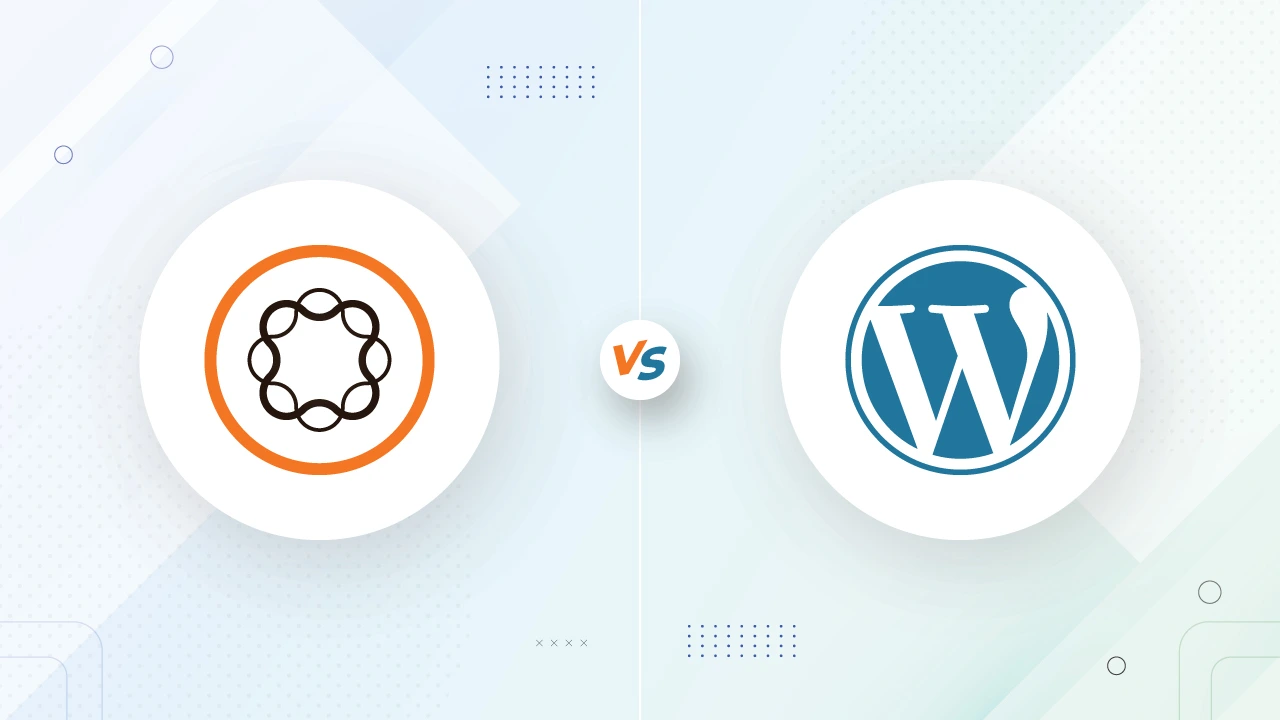
WordPress powers 43.6% of all websites on the internet. That’s nearly half!
Then Adobe Experience Manager (AEM)? Well, it’s used by just 0.1%. With numbers like that, it’s quite easy to assume WordPress is the obvious winner, right?
But hold on a second—it’s not that simple. And I’ll tell you why.
See, the thing is, these two platforms aren’t really competing in the same lane. Let me explain.
WordPress is the go-to option for everyone from hobby bloggers to small businesses and even some big brands. AEM, on the other hand, is like the Rolls-Royce of content management systems. It’s primarily designed for enterprises with complex needs, large teams, and huge budgets to match.
So, does WordPress win just because it’s more popular? Not necessarily. Popularity doesn’t always mean it’s the best fit for you. Choosing the right CMS platform comes down to what you are building, how much control you need, and yes—how much you are willing to spend.
In this blog post, we are going to dive deep into the AEM vs. WordPress debate. We will break down their strengths, weaknesses, and what kind of businesses each one is best suited for.
Let’s get started!
Overview: AEM vs. WordPress
What is AEM (Adobe Experience Manager)?
Adobe Experience Manager (AEM) is Adobe’s premium content management system, and it’s built with enterprises in mind. Think Fortune 500 companies, government agencies, and global brands—these are the types of organizations that use AEM to manage their digital content and deliver exceptional user experiences.
Key Features of AEM
- Scalable Architecture
- Advanced Content Management
- Omnichannel Delivery
- AI-Powered Insights
- Integration with Adobe Ecosystem
What is WordPress?
WordPress, on the other hand, is the world’s most popular CMS for a reason. It started as a blogging platform in 2003 and has since evolved into a full-fledged CMS that powers millions of websites—from small personal blogs to medium-sized business sites and even some enterprise-level applications.
Key Features of WordPress
- User-Friendly Interface
- Massive Plugin and Theme Ecosystem
- Flexibility and Customization
- Open-Source Community
- Cost-Effective
As we said at the beginning of the blog post, AEM and WordPress serve two very different audiences. AEM is built for enterprise-scale operations that require robust tools, while WordPress thrives on simplicity, accessibility, and affordability.
Our team at cmsMinds has the expertise to guide you to the best solution for your needs.
Key Comparison Factors
Now that we have seen what AEM and WordPress are all about, let’s dig into the key factors that can make or break your CMS decision. From costs to performance, here’s how the two platforms stack up against each other.
| Factor | Adobe Experience Manager (AEM) | WordPress |
|---|---|---|
| Cost |
|
|
| Ease of Use |
|
|
| Scalability |
|
|
| Customization |
|
|
| Security |
|
|
| Performance |
|
|
| Content Management |
|
|
1. Cost
When it comes to price, AEM and WordPress couldn’t be more different.
- AEM Costs:
AEM is a premium, enterprise-grade CMS, and it comes with a price tag to match. Licensing fees alone can run into six figures annually, depending on the size of your organization and the features you need. On top of that, implementation costs (hiring Adobe partners or developers) and ongoing maintenance can significantly add to the expense. - WordPress Costs:
WordPress itself is free because it’s open-source. However, you’ll need to pay for hosting (anywhere from $5 to $50 per month for small sites or $500+ for managed enterprise hosting), premium themes, plugins, and maintenance. Even with these added costs, WordPress is much more affordable than AEM.
2. Ease of Use
- AEM:
AEM has a steep learning curve. While it’s incredibly powerful, it’s not something you can pick up and run with right away. Teams often require training to navigate its interface and utilize advanced features. For large organizations with IT and development resources, this isn’t a problem. - WordPress:
WordPress wins in user-friendliness. Its dashboard is intuitive and easy for beginners to grasp. Adding posts, pages, and plugins is straightforward, making it ideal for users who don’t have a tech background.
3. Scalability
- AEM:
Scalability is one of AEM’s strongest points. It’s designed to handle enterprise-scale operations, from managing hundreds of websites to supporting millions of visitors simultaneously. It integrates seamlessly with tools like Adobe Analytics and Target, making it perfect for global businesses with complex needs. - WordPress:
WordPress is highly scalable for small-to-medium businesses. With the right WordPress hosting, it can handle high traffic, but it might require extra optimization, bespoke WordPress development, or plugins to match AEM’s performance at an enterprise level. Scaling WordPress often involves added costs for managed hosting and specialized WordPress development.
4. Customization and Flexibility
- AEM:
AEM shines in its ability to integrate with Adobe’s ecosystem (e.g., Creative Cloud, Analytics) and other enterprise tools. Customization is possible, but it requires skilled developers, making it less accessible for non-technical users. - WordPress:
WordPress is all about flexibility. Its vast library of 59,000+ free plugins and thousands of WordPress themes makes it easy to customize your site. Whether you are adding an eCommerce store or a social media feed, there’s likely a plugin for that.
5. Security
- AEM:
Security is a top priority for AEM. Adobe offers enterprise-grade security features, including robust access controls, encryption, and regular updates. This makes AEM a safe choice for organizations handling sensitive data. - WordPress:
WordPress is open-source, which makes it more vulnerable to attacks if not properly managed. However, with plugins like Wordfence and best practices (e.g., regular updates, secure hosting), you can secure a WordPress site effectively.
6. Performance
- AEM:
Built for enterprise, AEM delivers exceptional performance even under heavy traffic. It includes built-in optimization tools for fast load times and high availability. - WordPress:
WordPress performance depends heavily on hosting and optimization. While it can handle high traffic, achieving top-tier performance often requires third-party plugins (e.g., caching, CDN services) and quality hosting providers.
7. Content Authoring and Workflow Management
- AEM:
AEM offers advanced content workflows, making it easy for large teams to collaborate. Features like version control, approval workflows, and scheduled publishing are perfect for enterprises managing complex content strategies. - WordPress:
WordPress is simpler and less structured when it comes to content workflows. While plugins like Editorial Calendar can add some functionality, it doesn’t match AEM’s depth. However, for small teams, WordPress’s simplicity is often an advantage.
Use Cases
To help you make an informed decision, let’s take a look at the scenarios where AEM and WordPress both shine. Plus, we will check out the real-world examples of companies using each platform to see how they align with specific needs.
Ideal Scenarios for Choosing AEM
AEM is a highly suitable choice for large-scale operations. Here’s when it makes the most sense:
- Enterprise-Level Businesses
- Companies with complex digital ecosystems and multiple websites under a unified brand.
- Example: A multinational corporation managing multiple regional websites in different languages.
- Personalized Customer Experiences
- Businesses that rely on personalized, data-driven user experiences.
- Example: An e-commerce platform delivering product recommendations based on user behavior.
- High-traffic, High-Performance Websites
- Organizations that expect millions of visitors need consistent uptime and performance.
- Example: A government agency managing citizen-facing portals.
- Integrated Marketing and Analytics
- Companies already using Adobe’s ecosystem (e.g., Creative Cloud, Analytics, Target) that want seamless integration.
- Example: A global retail brand leveraging advanced marketing automation and analytics.
Real-Life Examples:
- Coca-Cola: Uses AEM for its global website presence, allowing consistent branding across regions.
- Ford: Manages multiple country-specific websites with AEM’s multilingual capabilities.
- HSBC: Relies on AEM for secure, high-performing banking websites
Ideal Scenarios for Choosing WordPress
WordPress is ideal for users who need flexibility, affordability, and ease of use. Here’s when to go with WordPress:
- Small to Medium-Sized Businesses
- Perfect for startups, small businesses, and freelancers who want a professional website without spending a fortune.
- Example: A local bakery setting up an online menu and ordering system.
- Blogging and Content-Driven Websites
- Ideal for bloggers, publishers, or content creators who prioritize simplicity and SEO.
- Example: A personal finance blogger sharing tips and resources.
- E-Commerce for Small to Medium Stores
- Businesses that want to sell products online without the complexity of a massive e-commerce platform.
- Example: A boutique clothing store using WooCommerce on WordPress.
- Quick Turnaround Projects
- WordPress is great for anyone who needs to get a website up and running fast.
- Example: A nonprofit organization launching a donation campaign.
Real-Life Examples:
- TechCrunch: A major technology news website built on WordPress for its ease of content management and scalability.
- The Walt Disney Company: Uses WordPress for some of its marketing sites thanks to its flexibility.
- BBC America: A television network that uses WordPress for its entertainment-focused website.
The Bottomline
- Choose AEM if you are a global brand, enterprise, or government organization needing top-tier performance, scalability, and integration with advanced tools.
- Choose WordPress if you are a smaller business, content creator, or anyone looking for an affordable, easy-to-use, and customizable CMS.
Conclusion
Choosing between AEM and WordPress boils down to understanding your unique needs, goals, and resources. These platforms may both be content management systems, but they cater to vastly different audiences and use cases.
- AEM is the gold standard for enterprises that need robust, scalable solutions, advanced workflows, and seamless integration with Adobe’s ecosystem. It’s a great fit for global brands, high-traffic websites, and organizations that prioritize security and personalized experiences—but it comes with a hefty price tag.
- WordPress, on the other hand, is the everyman’s CMS. It’s affordable, beginner-friendly, and incredibly flexible, making it a fantastic choice for small to medium businesses, bloggers, and anyone who needs a simple, functional website without breaking the bank and hiring a WordPress developer.
Key Decision Factors to Consider
When deciding which platform is right for you, ask yourself:
- What’s your budget? Can you afford AEM’s premium pricing, or would WordPress’s cost-effectiveness suffice?
- How complex are your website needs? Do you need AEM’s enterprise-grade tools, or is WordPress’s plugin ecosystem flexible enough?
- Who will manage the platform? Do you have a tech-savvy team for AEM, or do you need WordPress’s ease of use?
At cmsMinds, we specialize in helping businesses navigate the AEM vs. WordPress decision.